

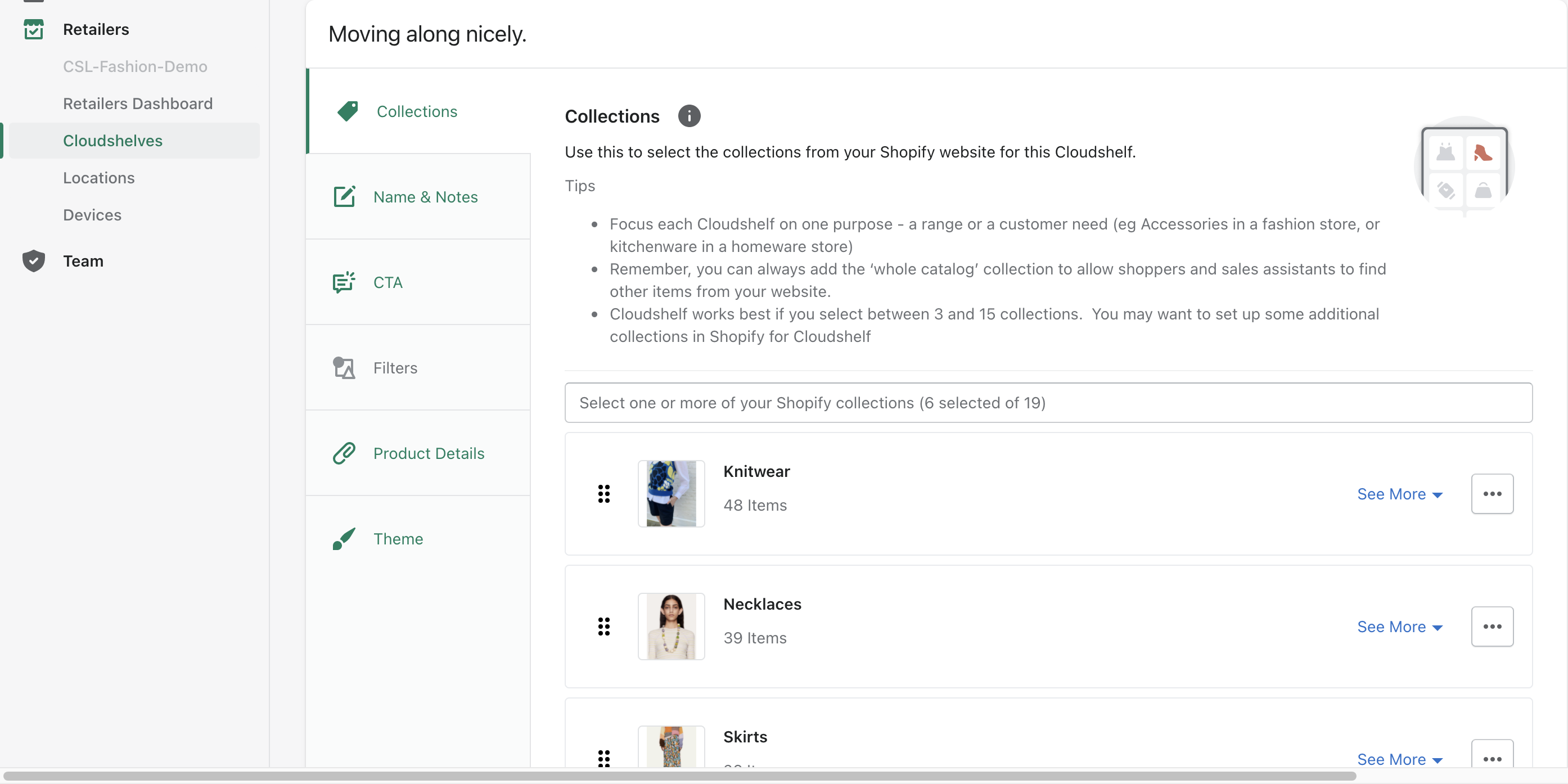
If you've recently added a new collection to your website in Shopify and want it to appear on your Cloudshelf, log in to your Shopify account and open the Cloudshelf app, where you can view your collections.
Here you can select your new collection:
Create a collection that isn't on your website
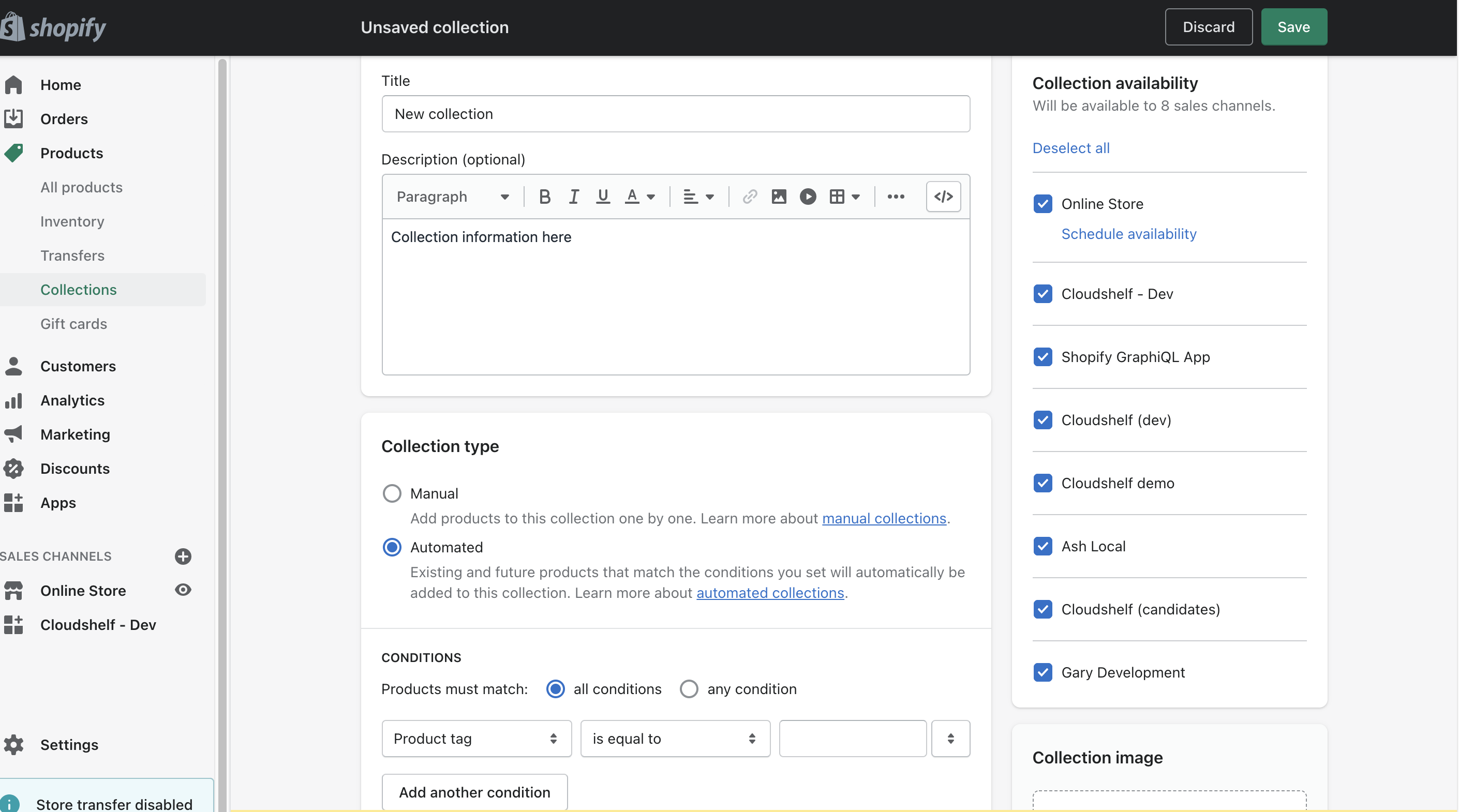
If you want to add new collections to your Cloudshelf that aren't on your website, create them in your Shopify store: Products → Collections → Create collection.
If you need any help with this, contact our support team on support@cloudshelf.ai.