
In-store Digital Experience Layer

The moment a shopper decides is the moment to close the sale. Self-Service Checkout and Payments lets them pay on the screen in front of them, by QR code, card, or NFC tap to pay, then choose home delivery or store collection. When you would rather keep that final moment of contact, you can route payment to an existing till or a staff payment terminal instead. Each store decides how it takes payment, queues get shorter, and more sales close on the spot.

When a shopper is ready, they do not need to find a till. They complete the purchase on the same screen they were using, by QR code, card, or NFC tap to pay. Fewer steps between decision and payment means fewer abandoned baskets.
Some sales are worth a final conversation. When you want your team involved, route the payment to an existing till or an assistant payment terminal, so staff can add advice, an upsell, or a warranty before the shopper pays.
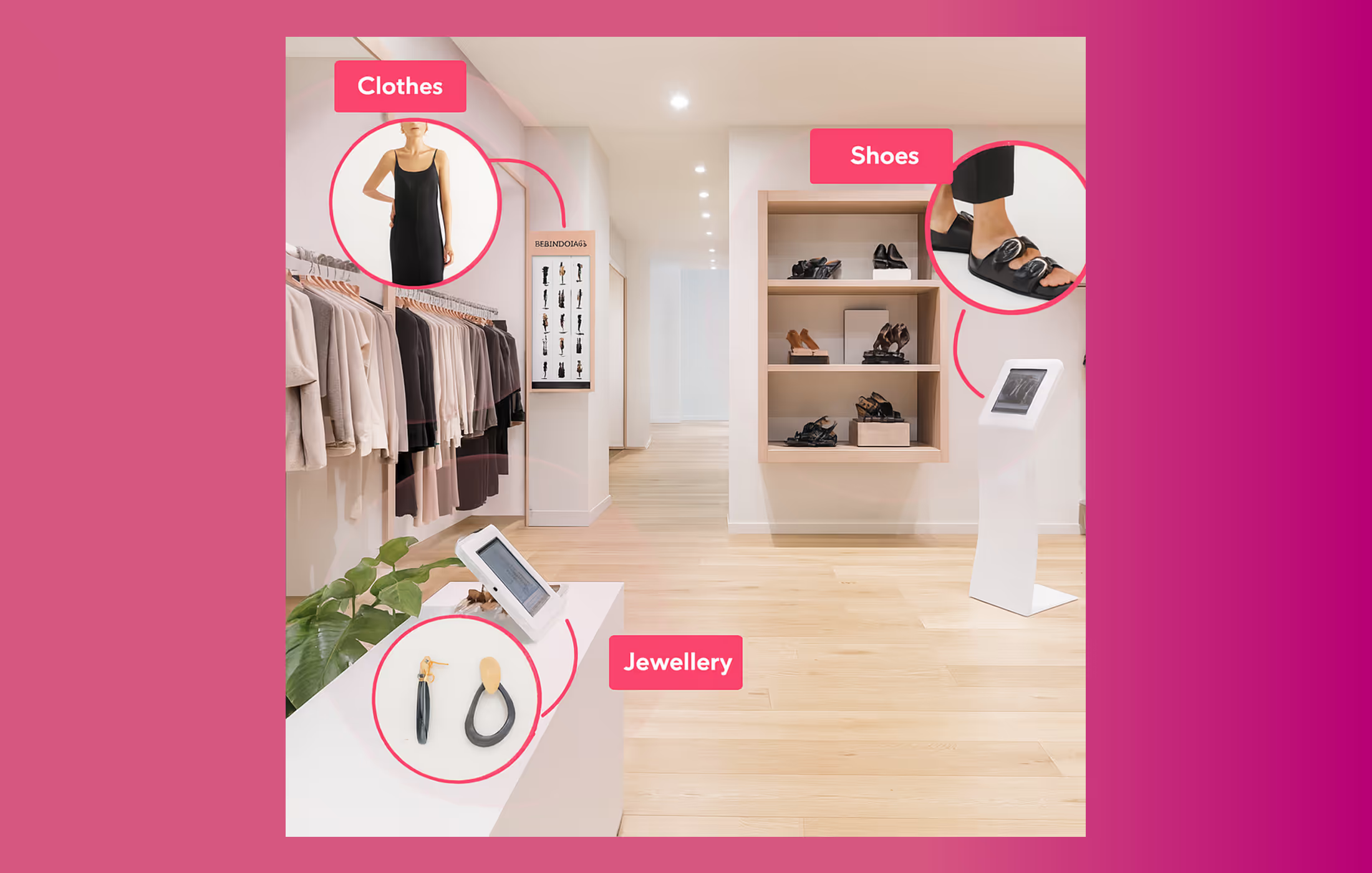
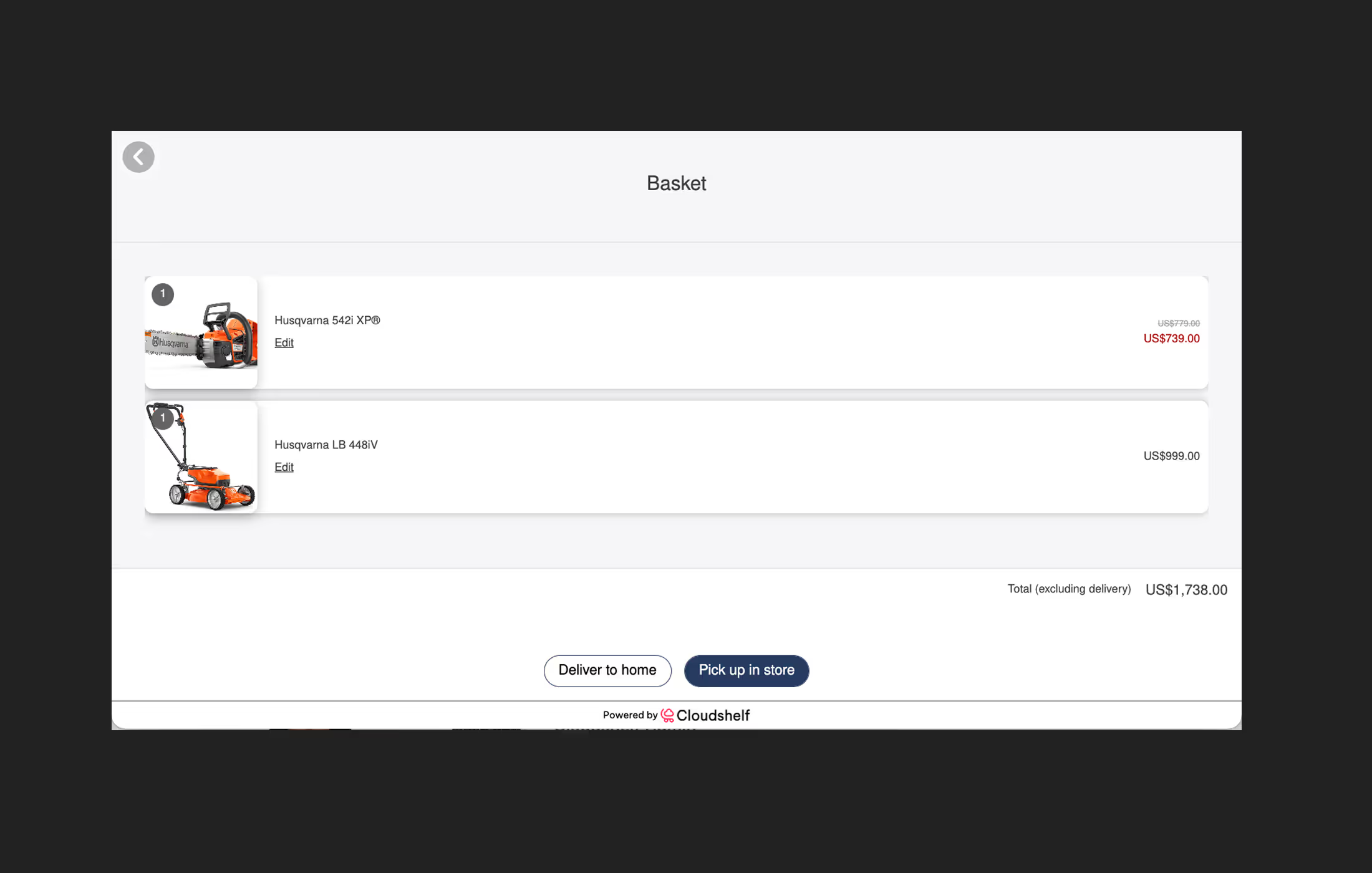
Shoppers pay with the methods they use every day: a QR code to pay on their own phone, contactless card, or NFC tap to pay. Familiar payment reduces hesitation at the final step.
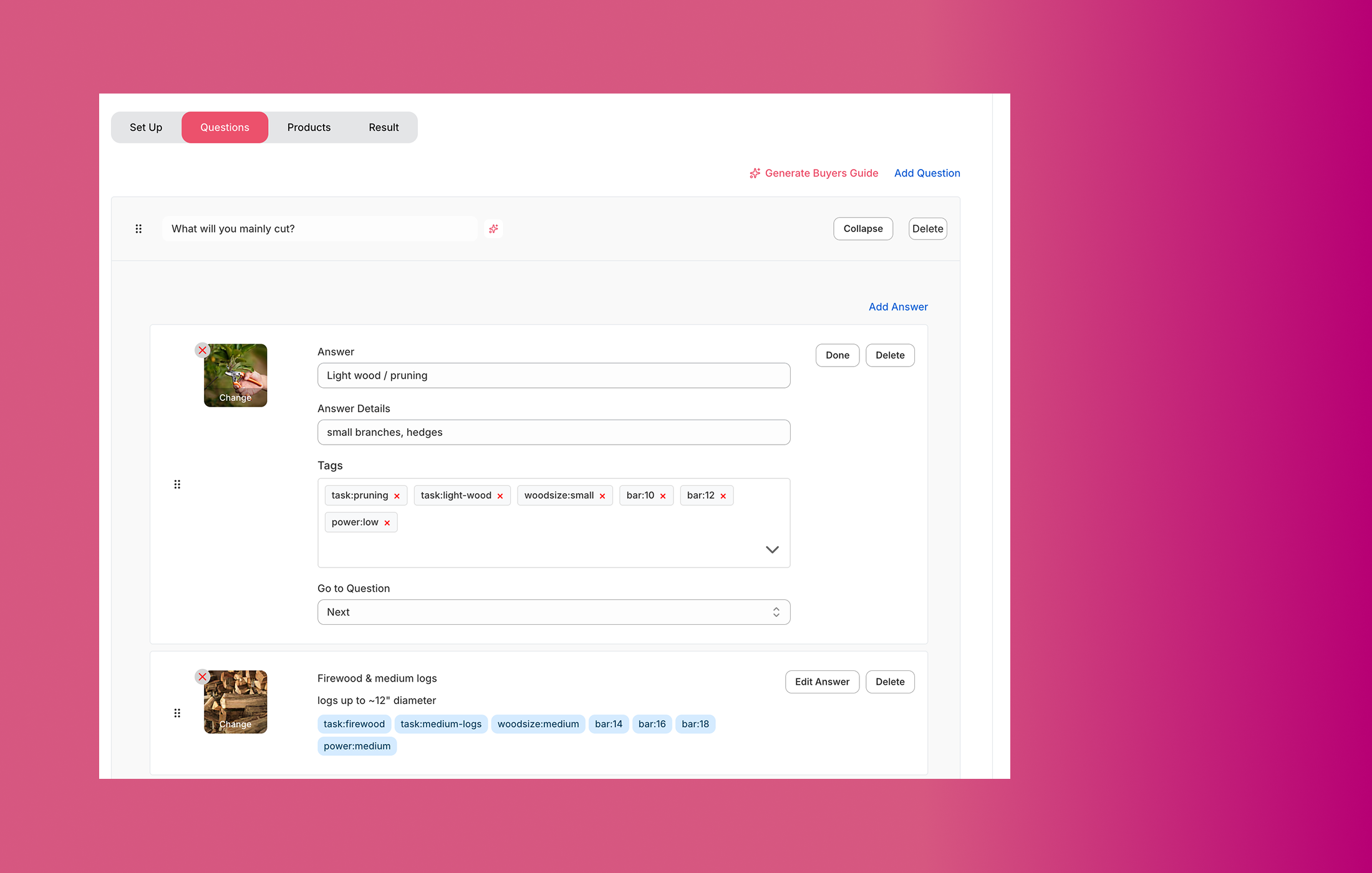
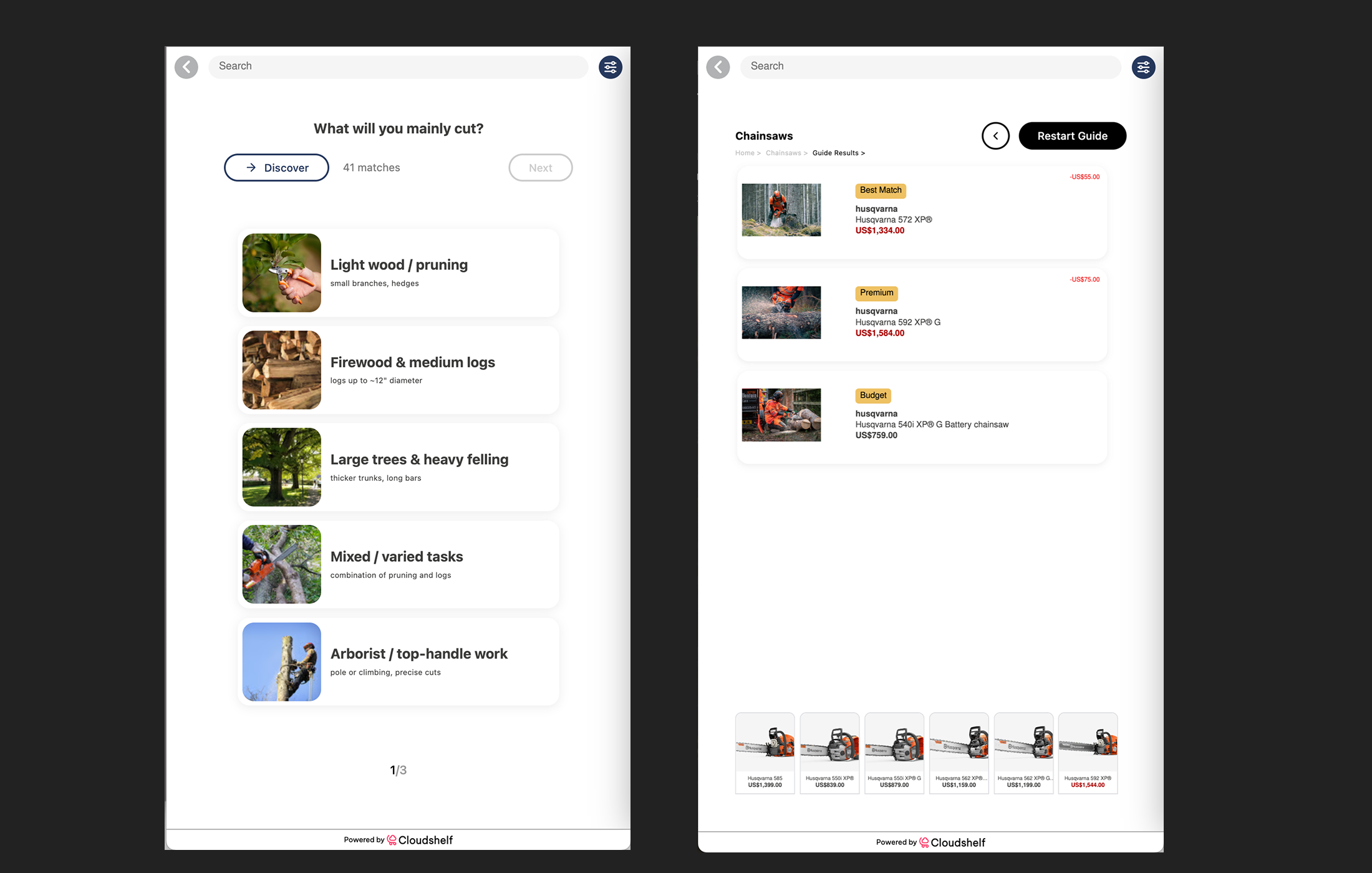
Cloudshelf does not store card details or shopper payment identifiers, and the platform is SOC 2 (Type 2) certified. Payments run through trusted providers, so you add a checkout without adding risk.


Cloudshelf works with established payment providers, including Stripe and Viva, and supports QR code payments, contactless and NFC tap to pay, and connected card terminals. The right setup depends on your region and your existing payment stack.
No. Cloudshelf does not store card details or shopper payment identifiers. Payments run through trusted providers such as Stripe and Viva, and the platform is SOC 2 (Type 2) certified.
Yes, most modern kiosk solutions support card payments and digital wallets. Payment integration typically uses encrypted connections to payment processors like Stripe, Viva, Square, or other standard gateways. NFC tap-to-pay is increasingly common, allowing customers to use contactless cards and phones. For retailers wanting additional security and reliability, external payment terminals can be connected to the kiosk system. Payment data is never stored locally on the kiosk itself, protecting both your store and customer security.
Cloudshelf supports all major payment methods including credit cards, digital wallets, QR code scanning, NFC, and integration with your POS for in-store completion.