.jpg)
.jpg)
.jpg)
.jpg)
.jpg)
.jpg)

In-store Digital Experience Layer

Everything visual is yours to control: logo, brand colours, fonts, interface labels, tile sizing, imagery, and per-location or per-category variations. Theme templates give you a sensible starting point, and multiple themes support different ranges, seasons, or promotions.
For full control, CSS editing allows complete style overrides, and white-label removes the Cloudshelf brand entirely from the shopper-facing experience.
Show different content and branding per product category for house brands or category-specific zones.
Show different content and branding per store location for regional variation or store-format differences.
Write custom CSS to override or extend the default theme styling for arbitrary visual control.
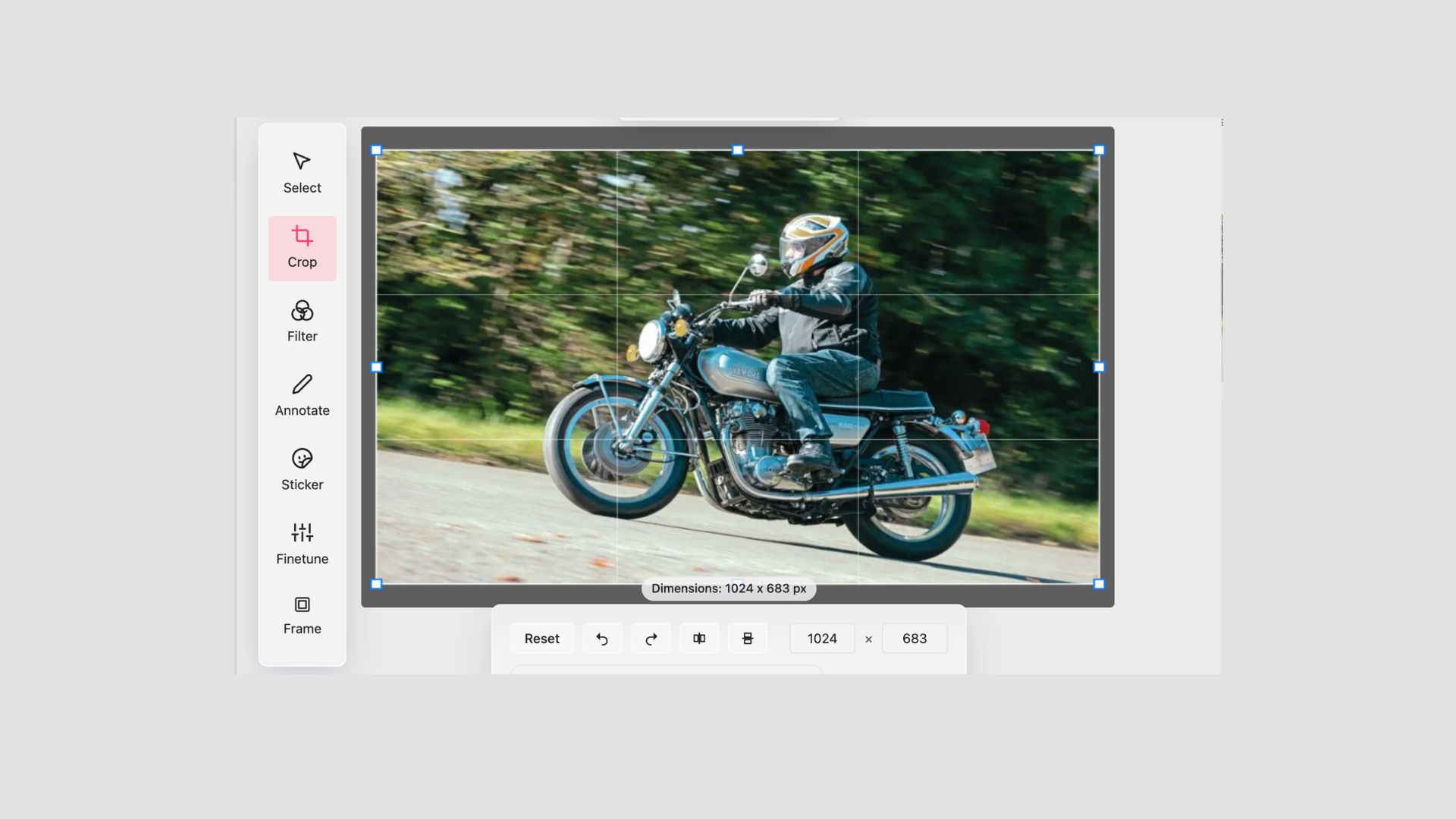
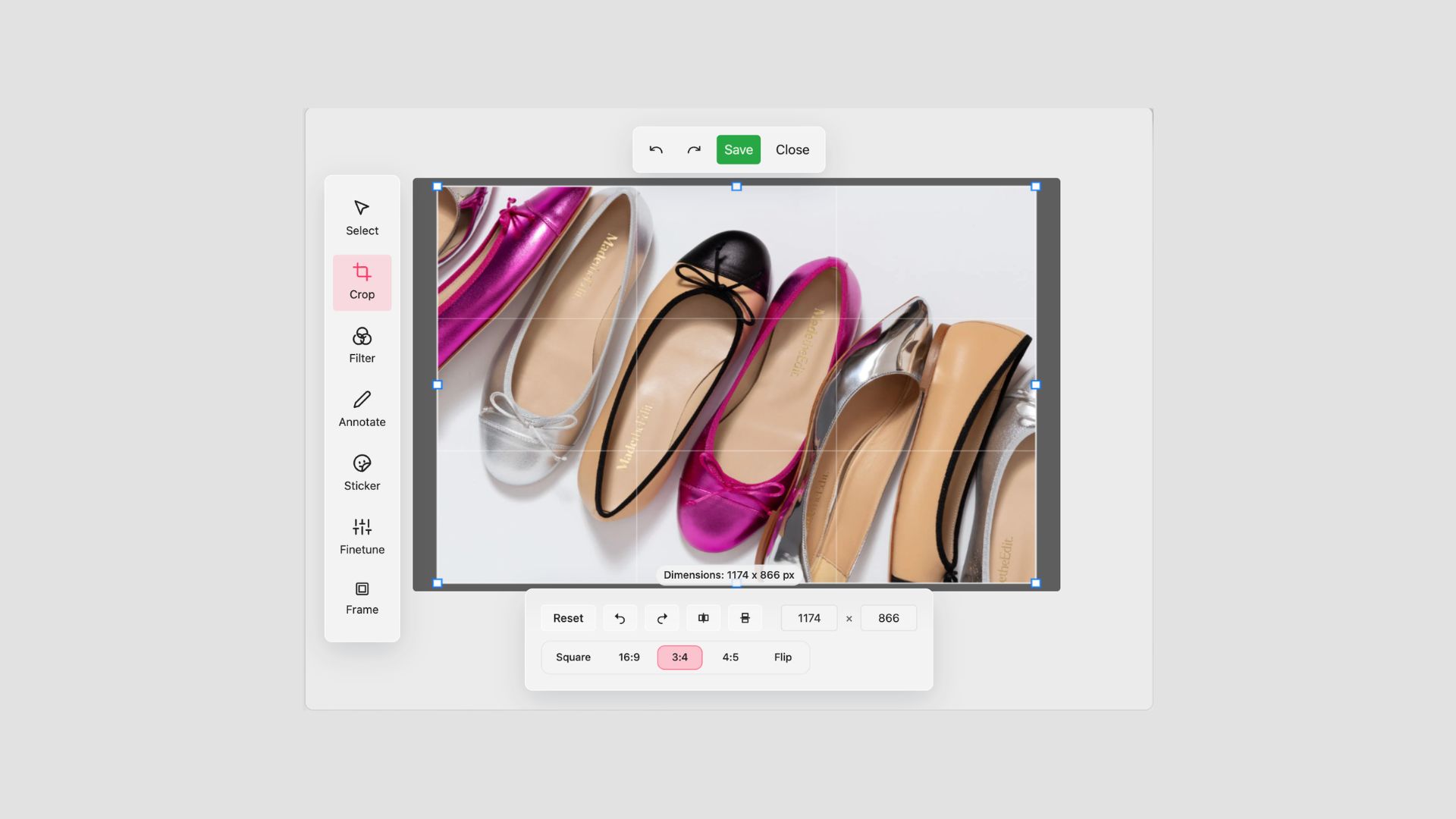
In-app image editing tools for cropping, resizing, and basic adjustments.
Upload custom images for backgrounds, banners, icons, and decorative elements throughout the interface.
Control the size of product tiles in grid layouts to suit visual or selection-density priorities.
Rename interface labels (Add to Basket, Buy Now, etc.) to match your brand's voice and style guide.
Remove all Cloudshelf branding from the customer-facing experience for a fully white-labelled deployment.
The three foundational visual customisations: upload your logo, set your colour palette, apply your brand fonts.
Start from a library of pre-built theme templates to apply a brand look quickly without bespoke design work.
Umbrella capability: customise colours, fonts, logos, labels, tile sizing; Advanced tier adds CSS.

Turn idle screens into branded storytelling: attract loops, banners and video, perfectly synced, interactive on touch.
View solution