

Image Editor
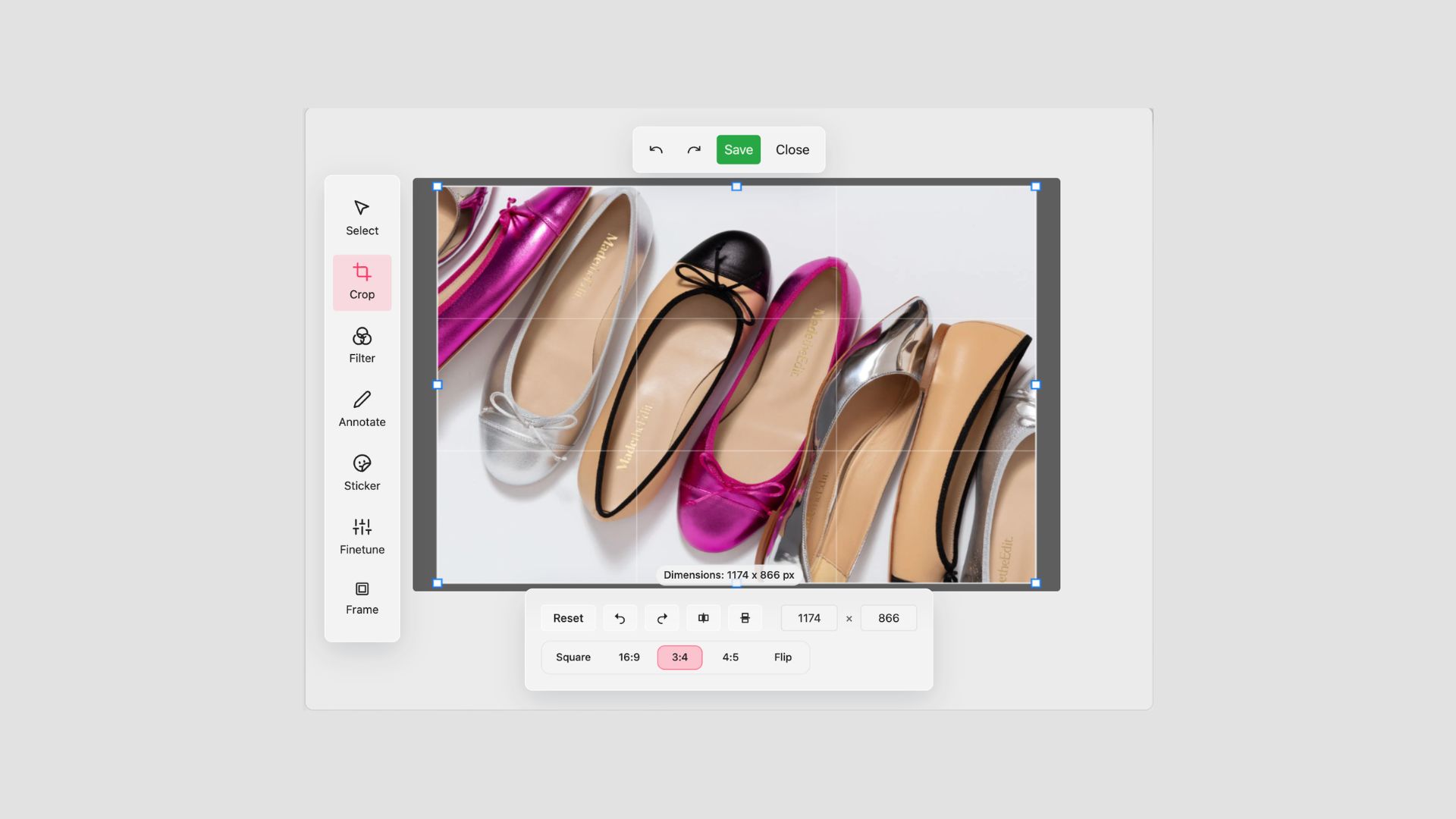
Product imagery shapes how shoppers engage with an in-store display. A poorly cropped photo, an image that does not fill the frame, a thumbnail that misrepresents the product. These things affect buying decisions in ways that are easy to underestimate.
Until now, fixing an image in Cloudshelf required leaving the platform: open a separate tool, make the change, re-upload, wait for it to propagate. That round-trip is gone.
What the Image Editor does
The Cloudshelf Image Editor lets you crop, reposition, and adjust product images without leaving the platform. You select the image, make the change, and it updates immediately. No design tools required. No request to a colleague. No delay.
It works across your Cloudshelf interface for the various sections where you can update images. Whether you are updating a single product group, or tidying up images across your Attract Loop, the editor is available wherever images appear in your Cloudshelf setup.
Why this matters for in-store displays
In-store screens are not forgiving of poor imagery. On a laptop screen, a slightly off-centre product photo is easy to overlook. On a large kiosk display that is customer facing, it is the first thing a shopper notices.
The Image Editor gives your team direct control over how products appear on-screen, without involving a designer or editing images externally. If an image needs adjusting before a campaign goes live, it can be done immediately, from within Cloudshelf.
That matters particularly for time-sensitive situations: a new product launch, a seasonal promotion, or a last-minute change to a display configuration. The ability to adjust imagery in the moment, rather than waiting for an external workflow, reduces the gap between what you intend and what shoppers see.
Who can use it
The Image Editor is available to all Cloudshelf users. See more information on this helpful video: https://youtu.be/1XVnToL6CAA.
No additional setup is required. If you have existing Cloudshelf experiences, you can start editing their images today.
Find out more
To find out more about this feature or to enquire about how Cloudshelf can help you to roll-out stunning interactive kiosks in-store, please reach out to us on sales@cloudshelf.ai.