
Help shoppers decide in the fitting room

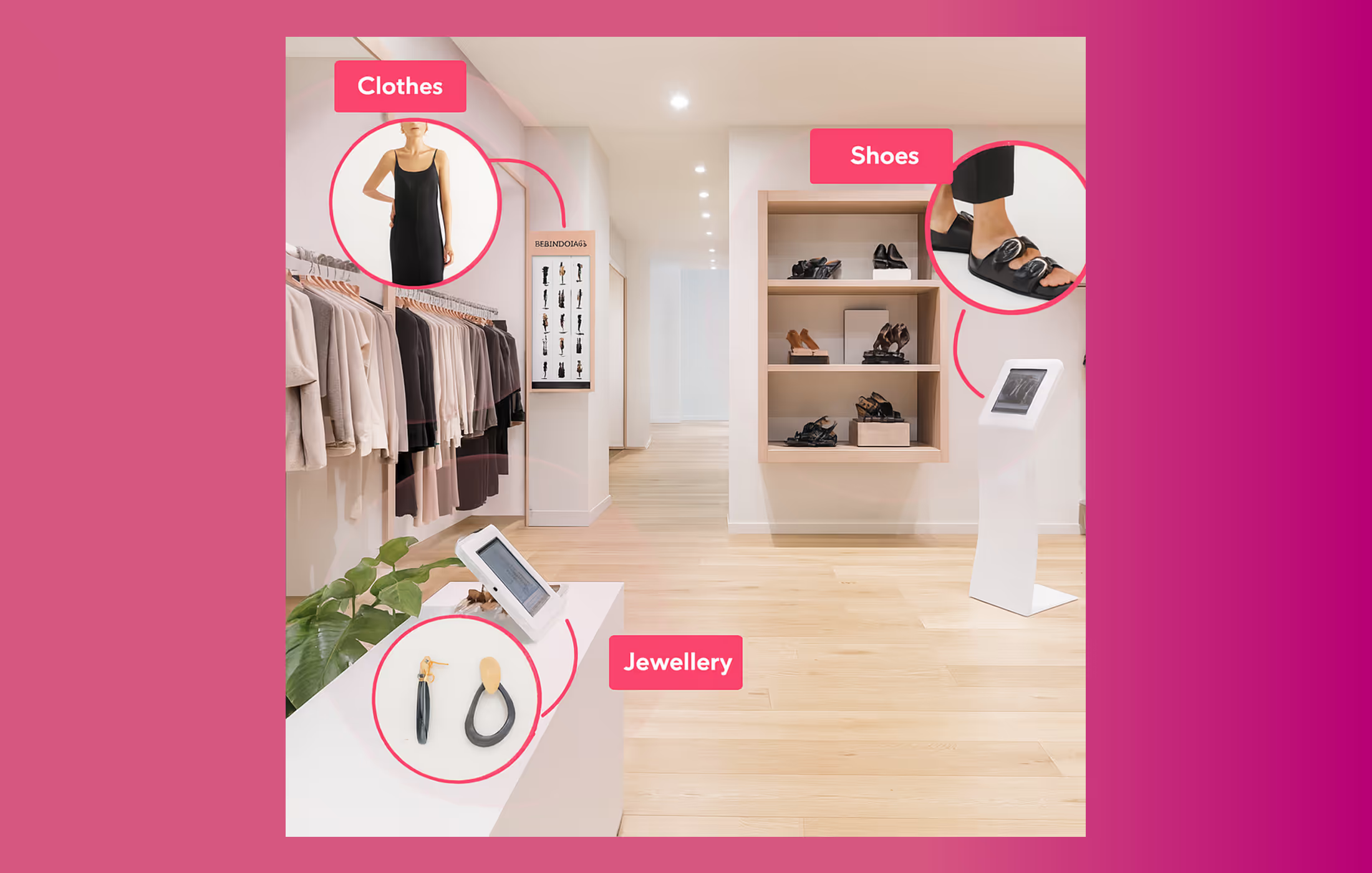
Optimise inventory: your entire range and market place offering is available from each of your stores

Most fitting-room decisions happen without help. Smart Fitting Room changes that. As shoppers bring items in, their RFID tags bring each product onto the screen automatically. Shoppers say what they like, ask staff to bring other sizes, colours, or related products, and complete the purchase without leaving the room. Smart Fitting Room is in private beta, launching with a fashion retailer.
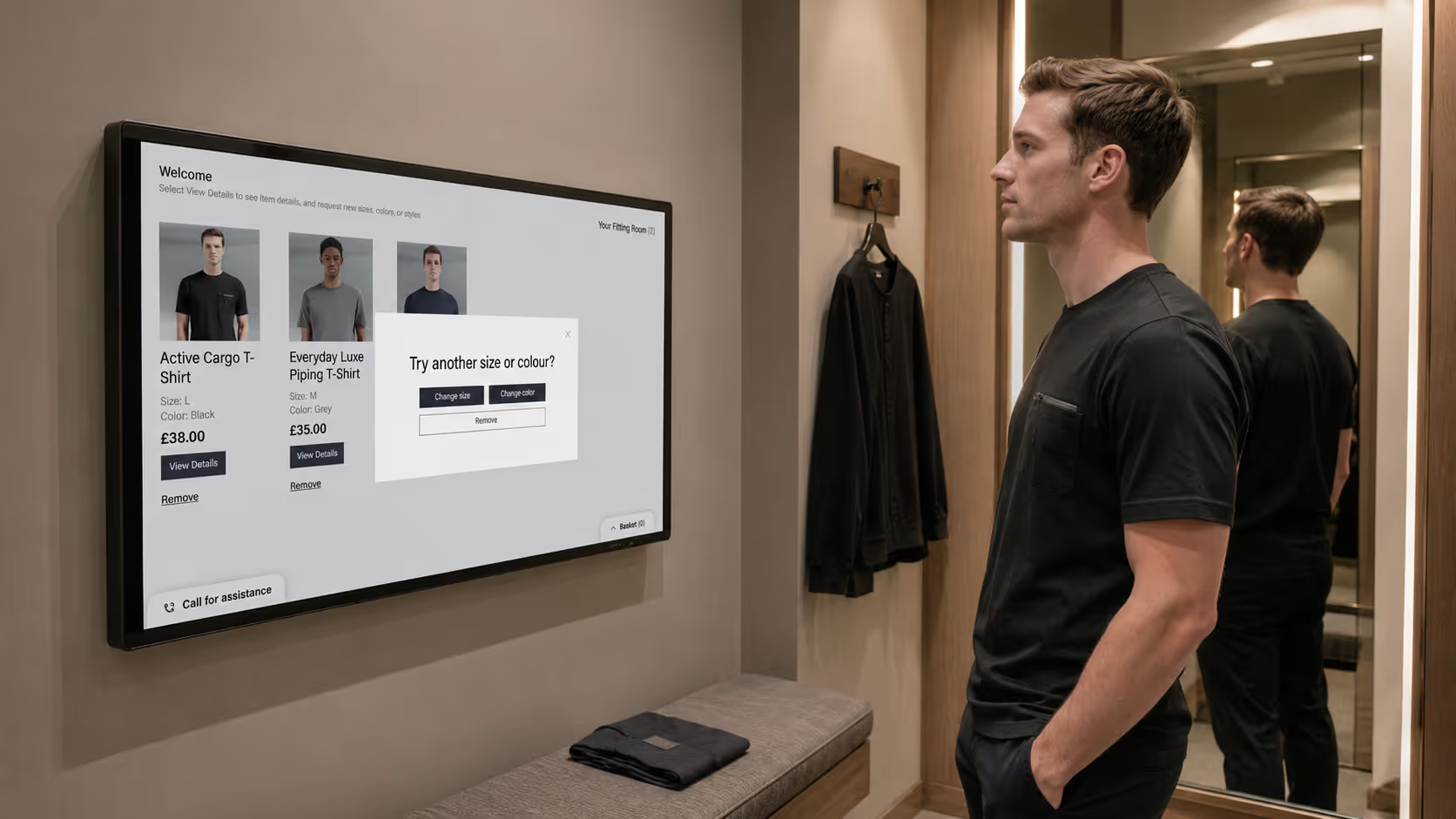
Items appear on screen, automatically

There is nothing for the shopper to scan or type. As tagged items enter the room, their RFID tags bring each product onto the screen, with sizes, colours, and details ready to explore.

Capture what shoppers think

Shoppers mark each item they like or set aside, so the session reflects real preferences. Your team gains a clearer picture of what works on the body, not just on the rail.
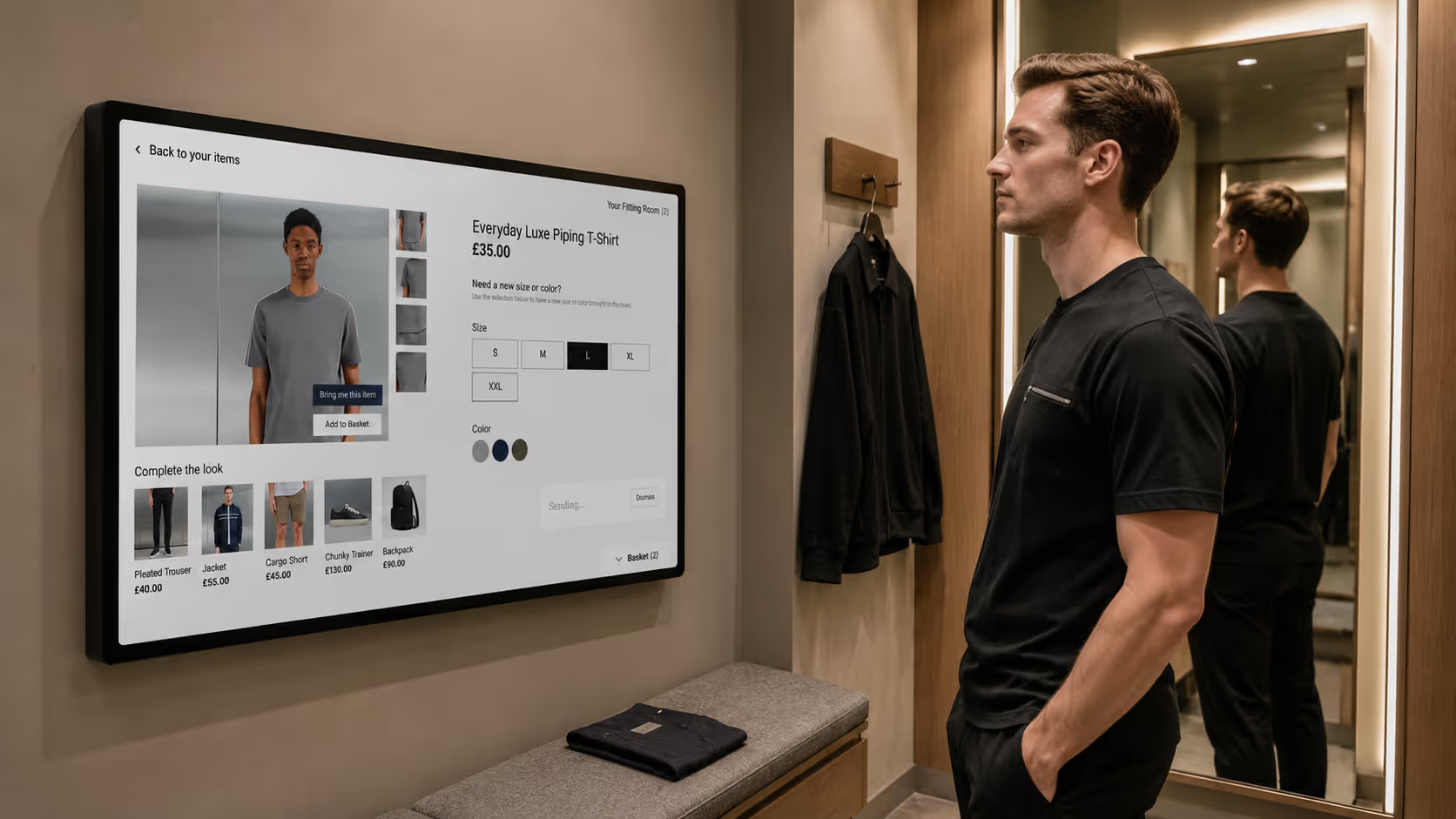
Request another size, colour, or product

When something is close but not quite right, shoppers ask for a different size or colour, or a related product, to be brought to the room. Staff receive the request and bring it, without the shopper getting dressed to go and look.

Add to basket and check out in the room

When a shopper is ready, they add items to the basket and complete the purchase in the room. The decision and the sale happen in the same place, with no queue at the end.
Private beta, launching in fashion

Smart Fitting Room is in private beta. We are refining it with a launch partner in fashion, where fit and choice matter most. If you would like to be an early adopter, talk to us.
What powers this solution

Fitting Room Experience

Fitting Room Experience

Serve shoppers inside the fitting room.

Explore this capability
In-Store Devices

In-Store Devices

Runs on the hardware your stores already use.

Explore this capability

Also works with

Deployment & Setup

More >

Languages & Currencies

More >

Store Operations & Access

More >

Analytics & Reporting

More >

Integrations

More >

Payment & Checkout

More >

Themes & Branding

More >

Increase Basket Value

More >

Discovery & AI Guides

More >

Browse, Find & Add to Selection

More >

Catalogue & Stock Sync

More >

Common questions

Can AI Buyer Guide work with my existing inventory?

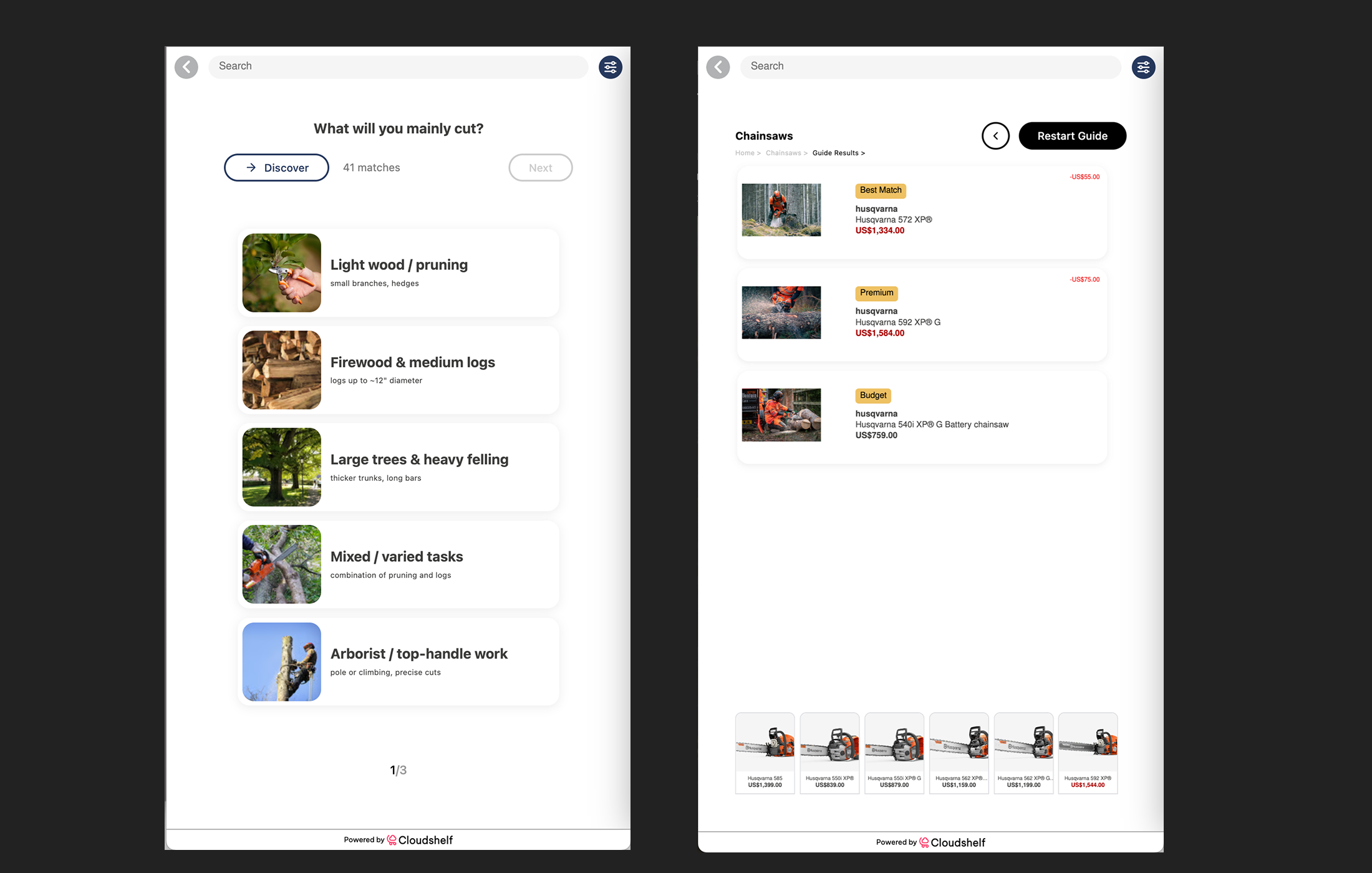
Absolutely. AI Buyer Guide integrates with your existing inventory system without requiring data migration. It works with your current product catalog immediately, providing your shoppers with great quality Buyer Guides

Can I use Cloudshelf Endless Aisle for in-store browsing only?

Absolutely. Cloudshelf Endless Aisle is flexible and can be used for browsing, ordering, or both. You control which features are enabled in your store locations.

Can Cloudshelf integrate with my current POS system?

Yes. Cloudshelf integrates with virtually all major POS systems. We support both direct integrations and custom API connections to ensure compatibility with your existing setup. For more information please send us an email to support@cloudshelf.ai

What inventory data formats does Cloudshelf support?

Cloudshelf supports all major inventory data formats including CSV, XML, JSON, and direct API integrations. Our team helps map your data structure for seamless integration.

How quickly can I set up Cloudshelf?

Most retailers go live with Cloudshelf Endless Aisle within days, not weeks. Our streamlined onboarding process integrates with your existing systems and inventory data quickly.

Can shoppers pay directly on Cloudshelf?

Yes. Shoppers can pay by scanning a QR code from their smartphone, or via a classic payment terminal. Multiple payment methods are supported to meet customer preferences.

Is Cloudshelf only for small retailers?

No. Cloudshelf supports some of the world's largest enterprise retailers in addition to smaller independent retailers all over the world. Endless Aisle is designed to scale from boutique shops to massive multi-location operations.

What payment methods does Cloudshelf support?

Cloudshelf supports all major payment methods including credit cards, digital wallets, QR code scanning, NFC, and integration with your POS for in-store completion.

What are the hardware requirements for Cloudshelf?

Minimal. Cloudshelf is hardware-light by design. You have much flexibility around device options, from interactive kiosks to handheld tablet devices. See our recommended device spec here: https://help.cloudshelf.ai/support/solutions/articles/101000364637-cloudshelf-recommend-device-specifications. If you need help selecting your Cloudshelf devices, please reach out to us on support@cloudshelf.ai and we will be happy to put you in touch with one of our device partners.