

To help you create the best-looking Cloudshelf home screen for your in-store kiosks, we have prepared a guide with best practices to follow when configuring your Cloudshelf content.
Best practices
- Upload high-resolution images of around 2–3 MB.
- Use 1080p images in landscape or portrait, depending on the orientation of your screens.
- Product group images should be square, 1080 x 1080 px.
- When displaying your product tiles in 'wide' or 'tall' format, use 1080p images in landscape or portrait for the best layout.
- 1080 x 1920: portrait
- 1920 x 1080: landscape
- Aim to use high-quality lifestyle images to showcase your products. These are the images that display on your main home screen, so they are what catches customers' attention.
Upload category images that represent your brand

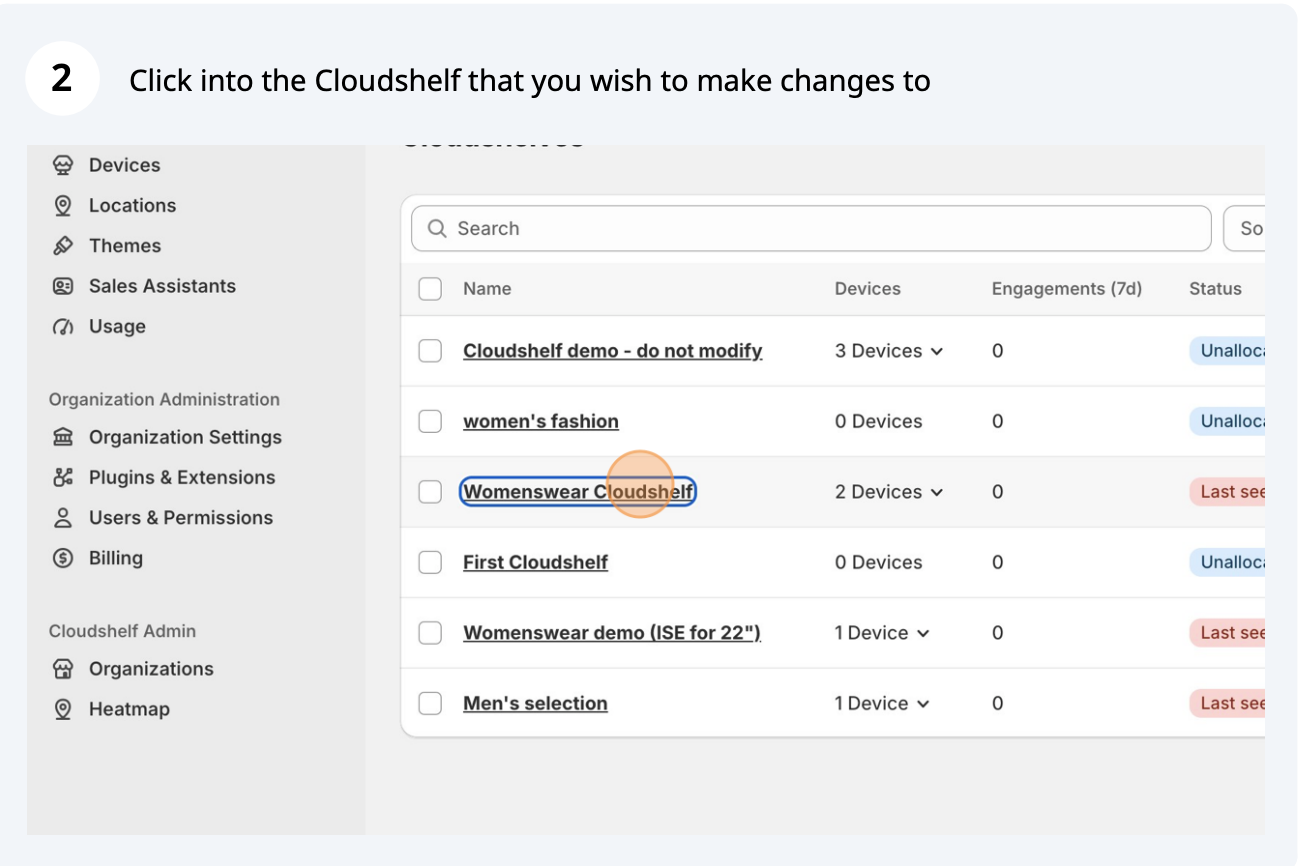
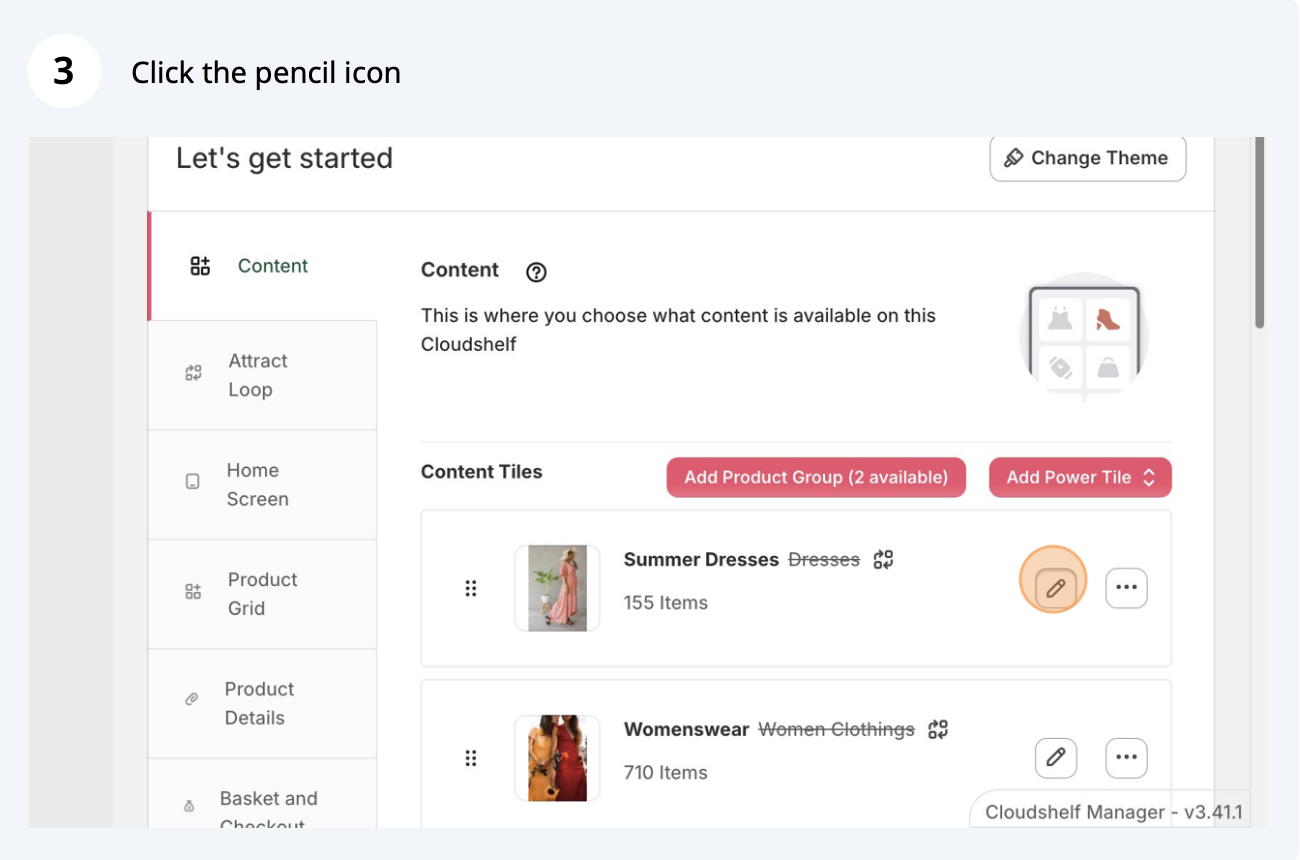
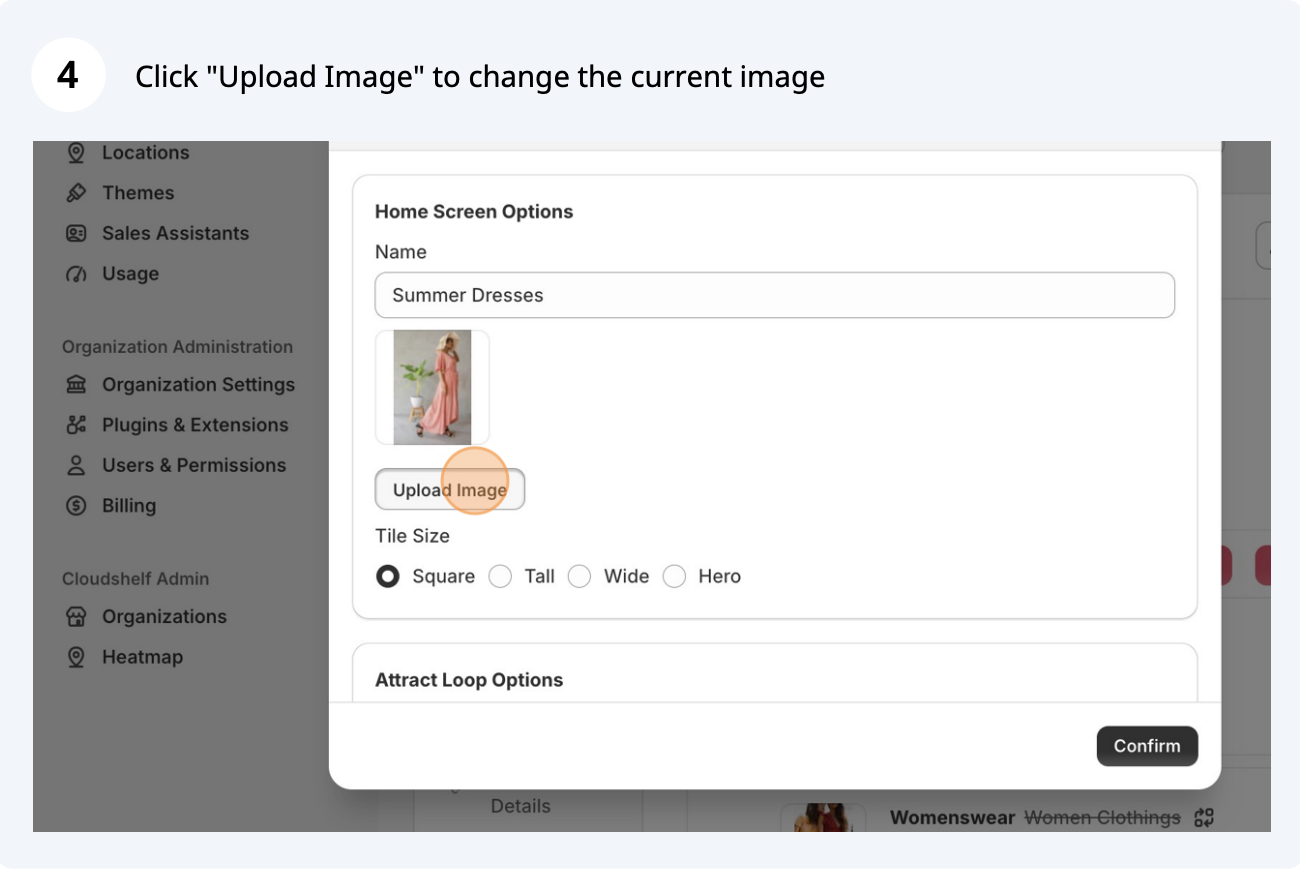
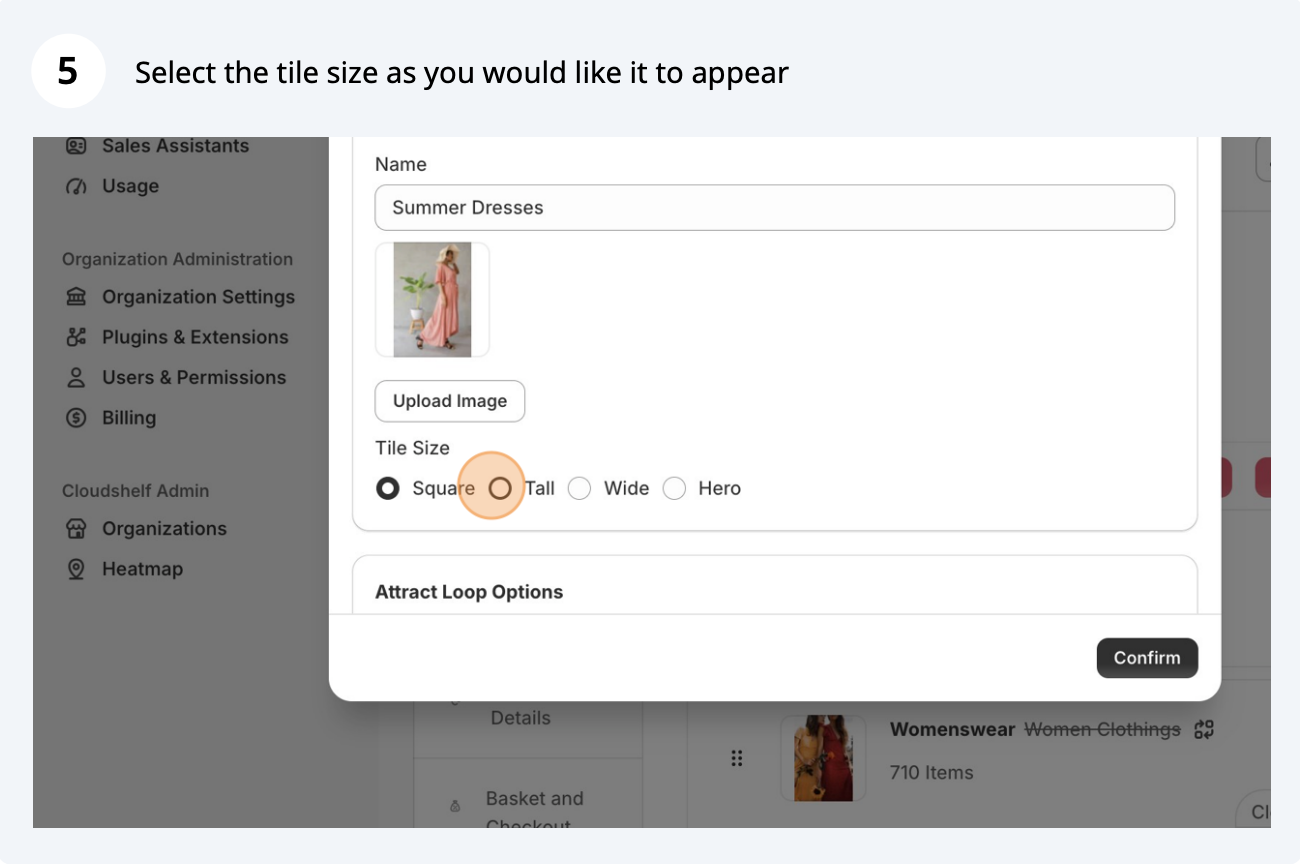
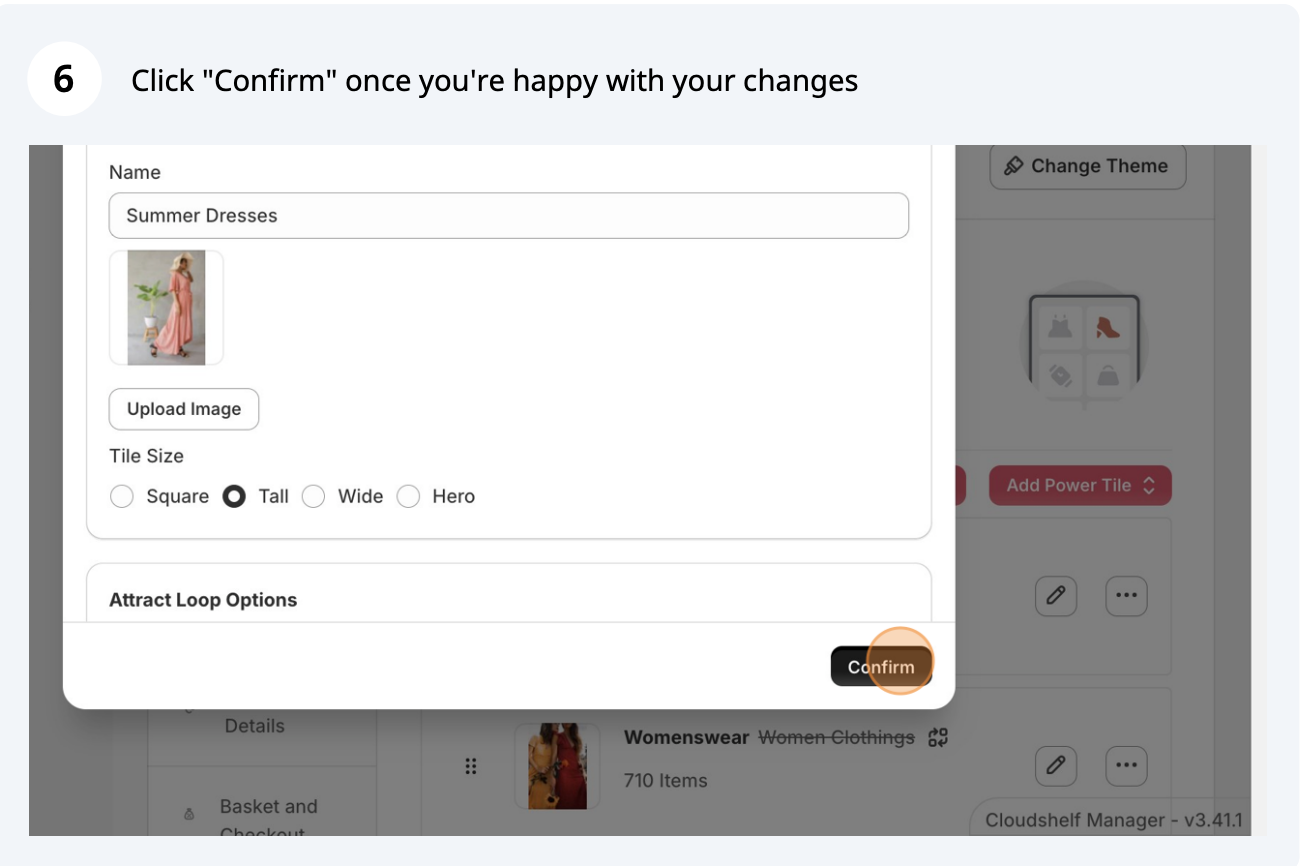

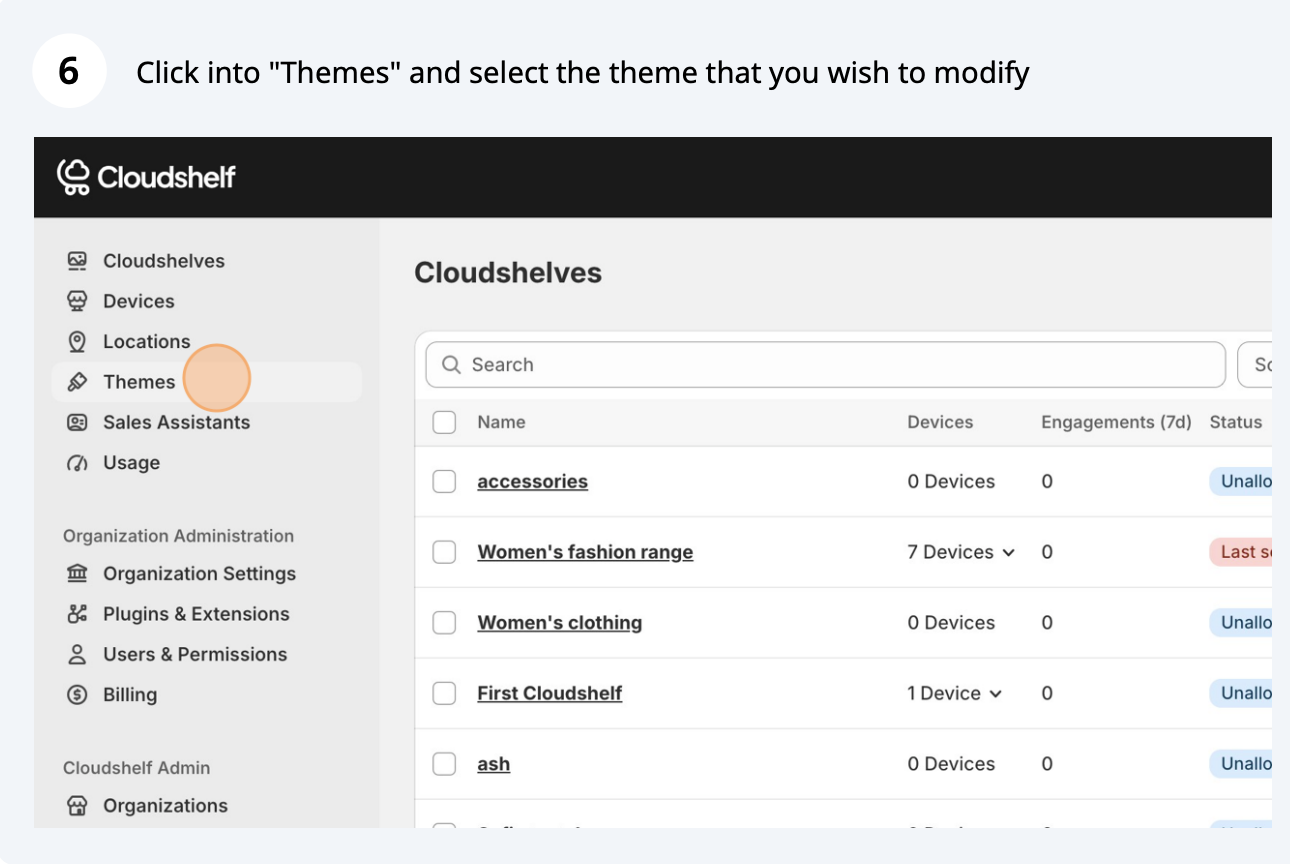
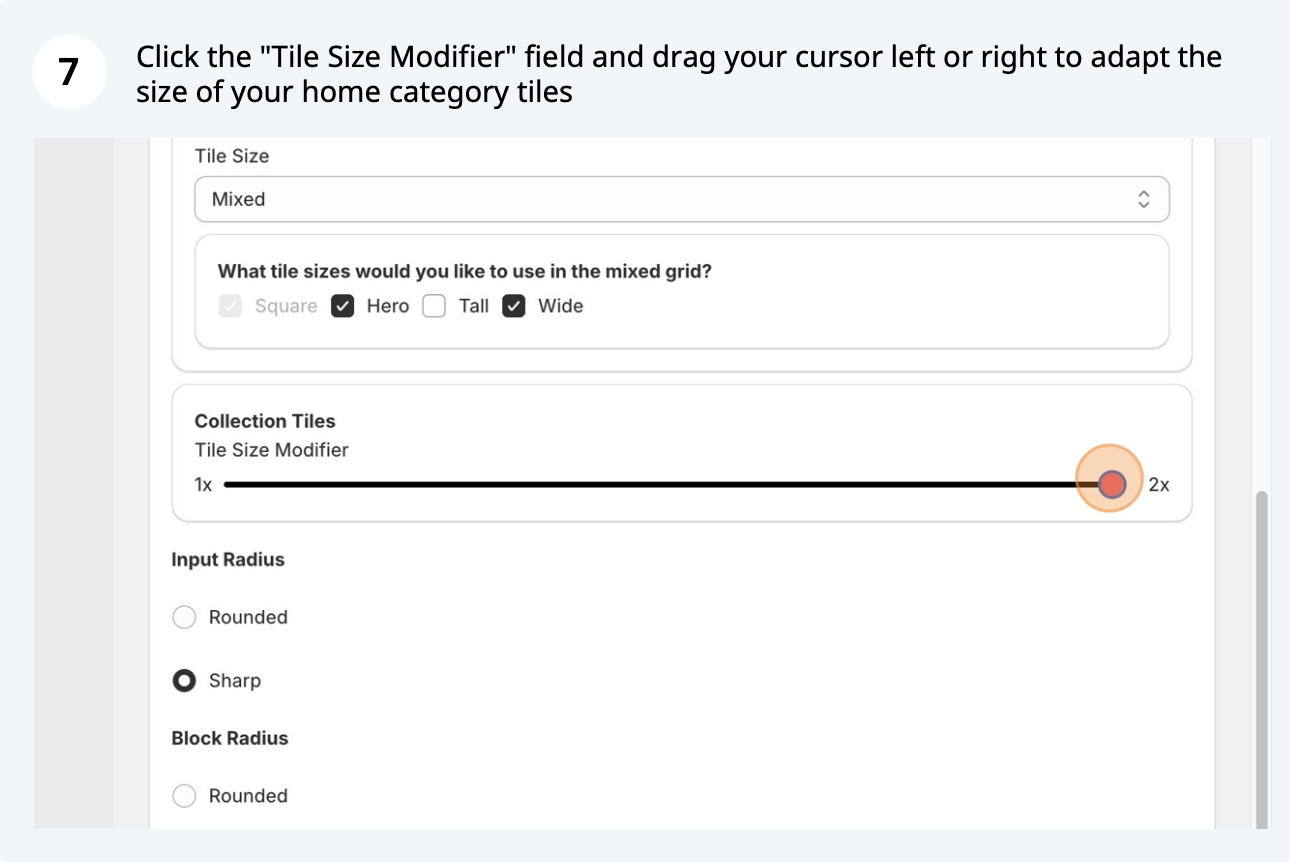
Modify the size of category tiles
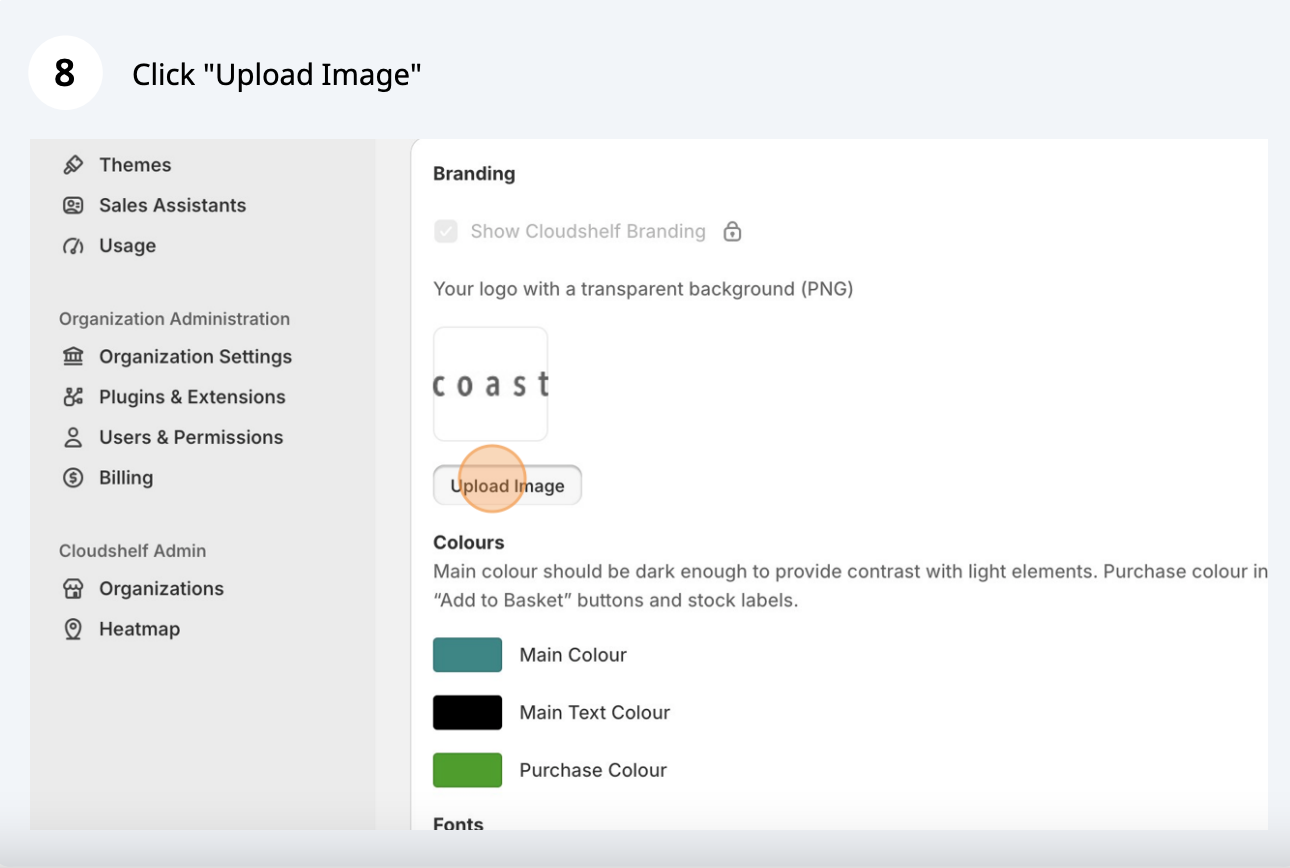
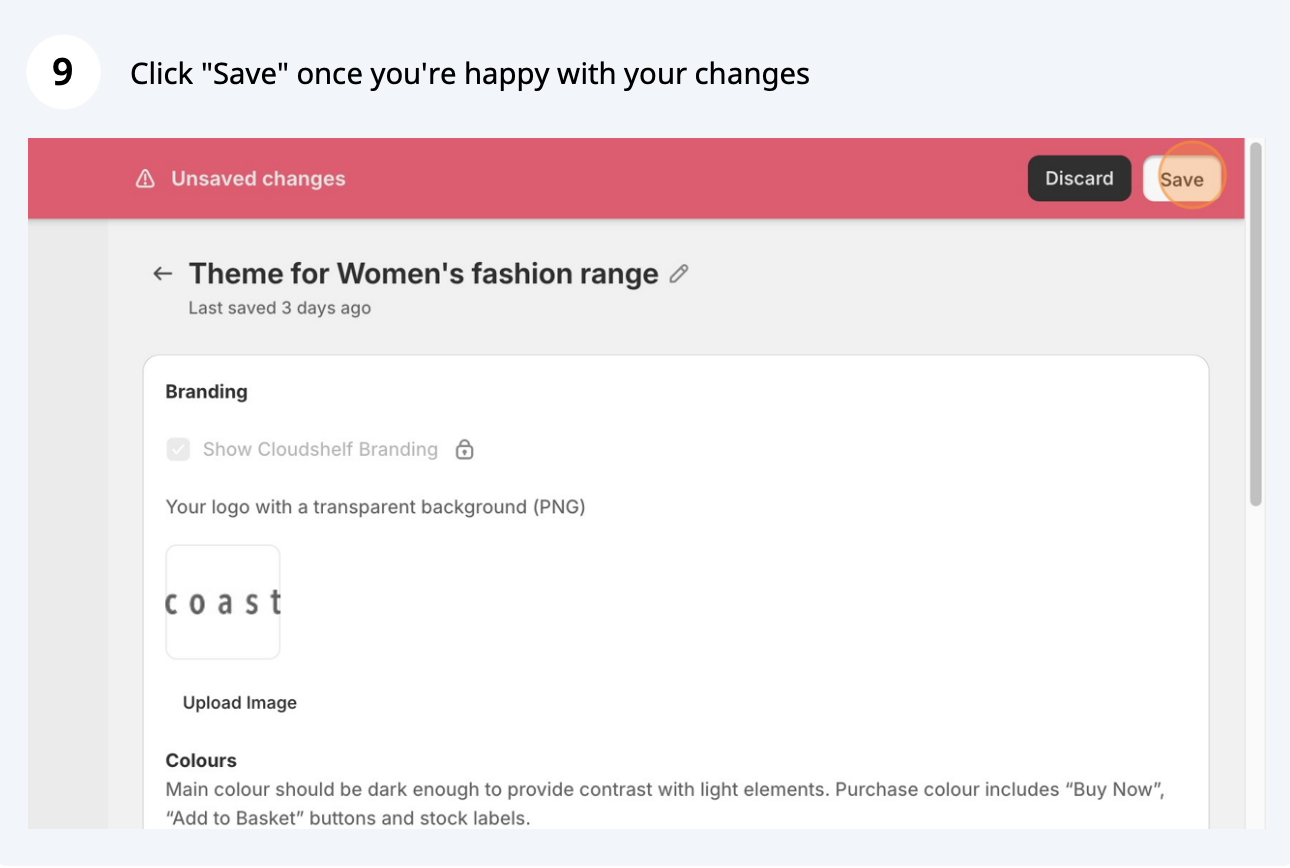
Upload your logo
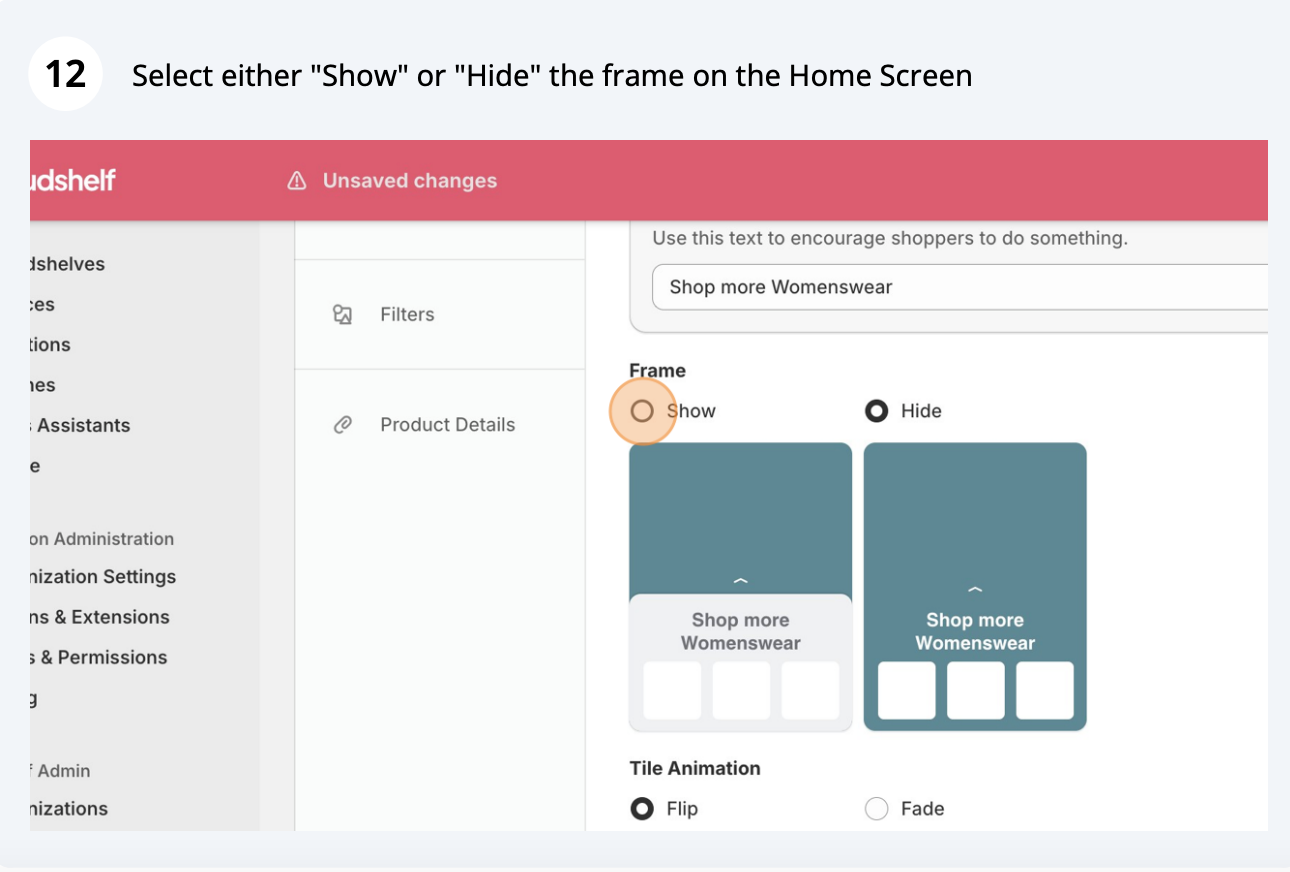
Hide or show the home screen frame
If you need any help with this, contact our support team on support@cloudshelf.ai.