

How to install the Cloudshelf app on your Shopify store

Install Cloudshelf from the Shopify App Store in three steps, with a short video.

Last updated
June 4, 2024
  1. Log in to your Shopify store.
  2. Go to apps.shopify.com/cloudshelf and click 'Install'.
  3. Cloudshelf now appears under your sales channels, where you can create as many Cloudshelf experiences as you wish. Don't forget to pin the app so it stays easy to reach from your admin panel.
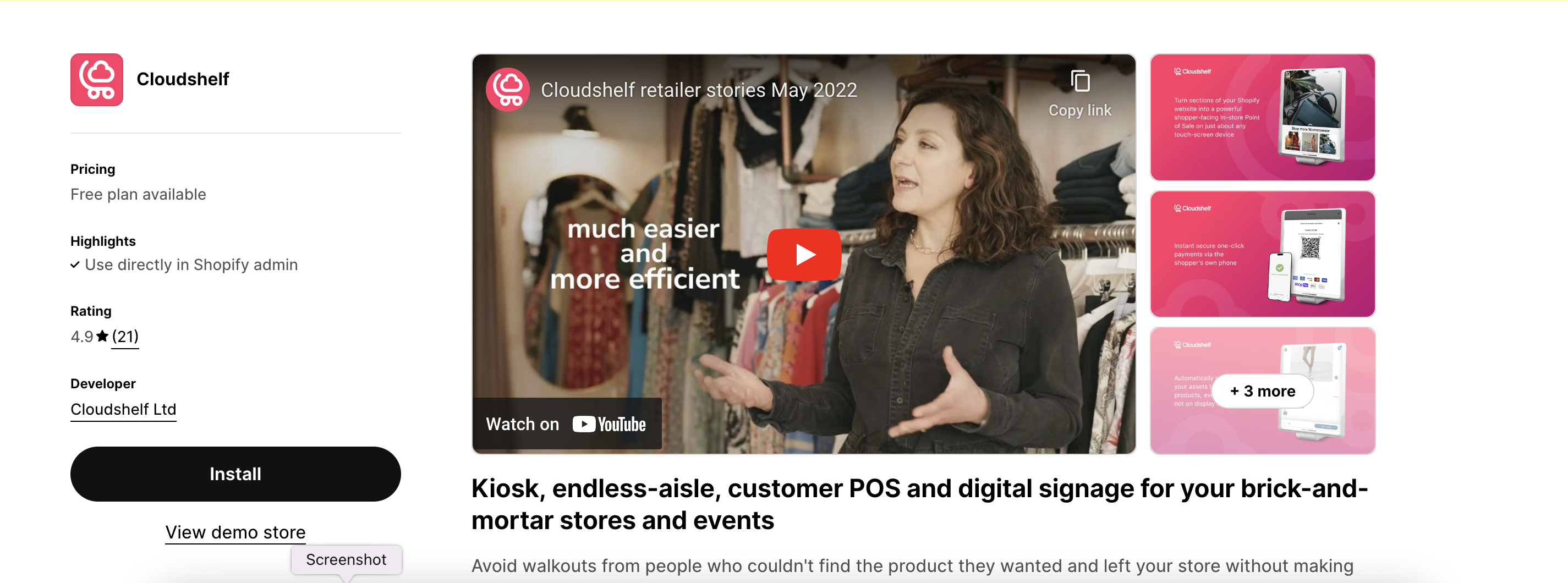
Cloudshelf on the Shopify App Store

If you need any further help, contact our support team on support@cloudshelf.ai.

Frequently asked questions

Was this helpful?
Thanks for the feedback.
Still stuck?
Tell us the device and what you see on screen. We usually reply within one working day.