


For Product Options Customizer to work with the price modifier, you need to change 2 settings in your Shopify admin.
1. Make the "Item Customizations" product available to the Cloudshelf sales channel
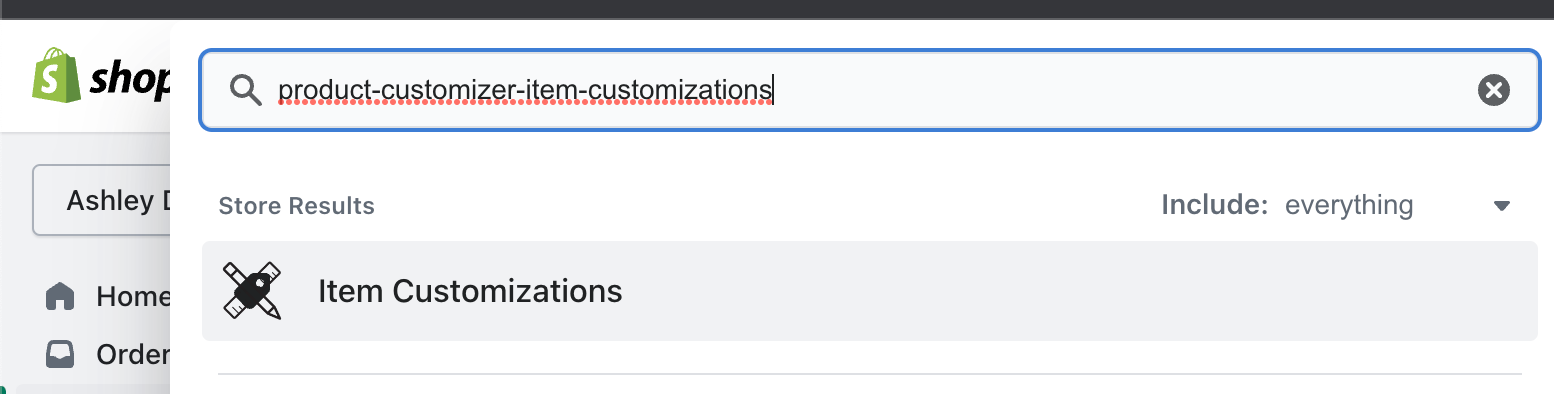
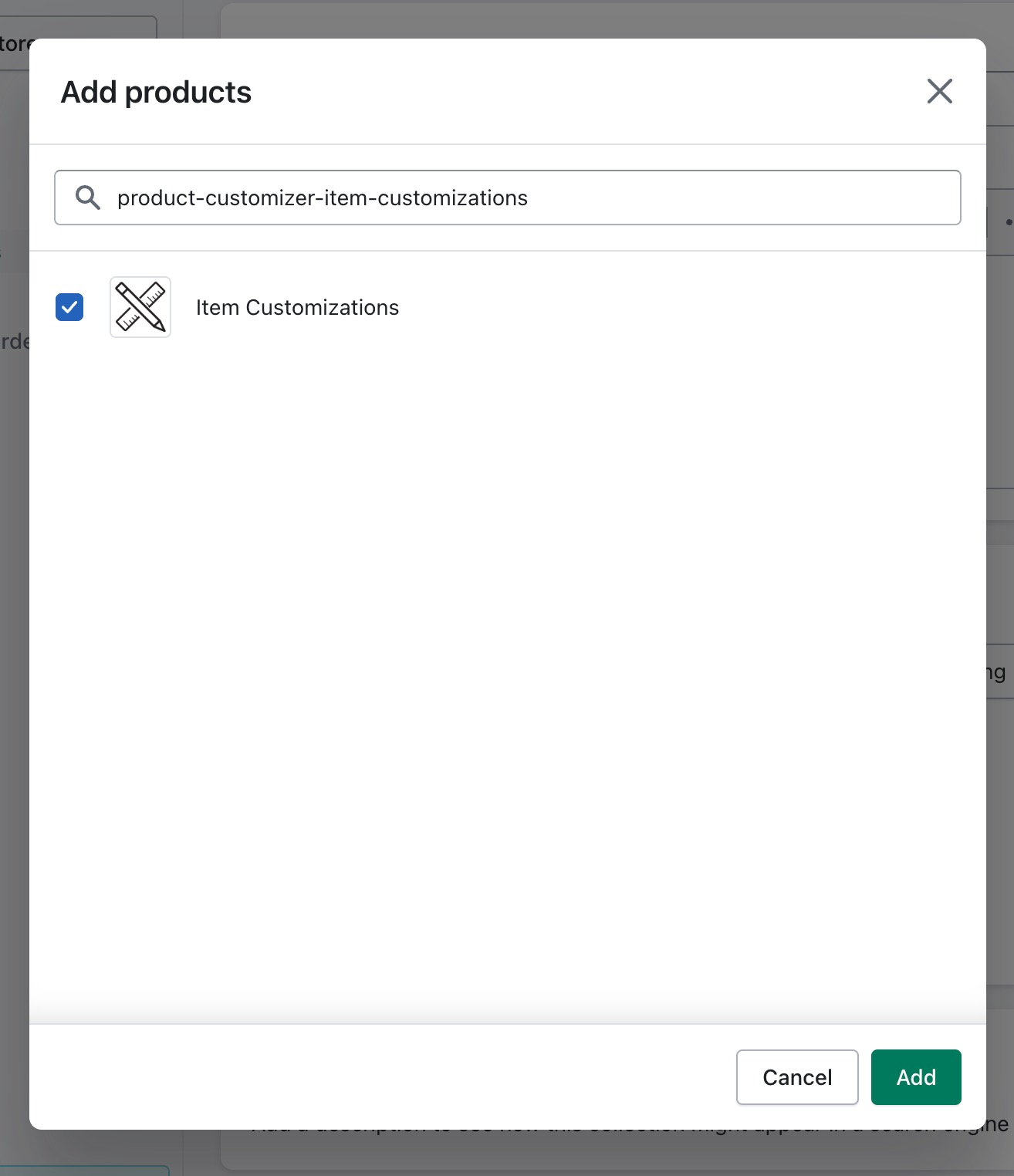
Find the Product Customizer price modifier product and make it available to the Cloudshelf sales channel. By default this product is called “Item Customizations”. If you can’t find it, use the search in Shopify and look for “product-customizer-item-customizations”.
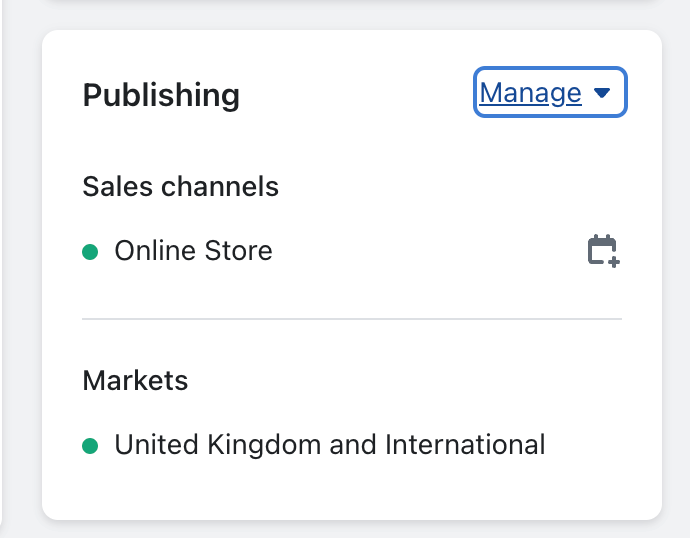
Find the publishing section, click Manage → Manage sales channels, then select Cloudshelf from the list and save the changes.
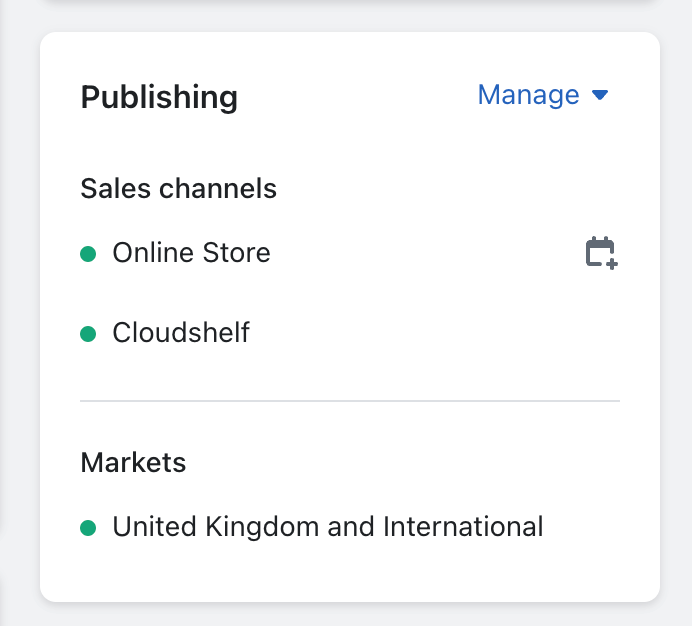
Once saved, Cloudshelf should appear in the Sales channels area of the Publishing section.
2. Add the Item Customizations product to any collection
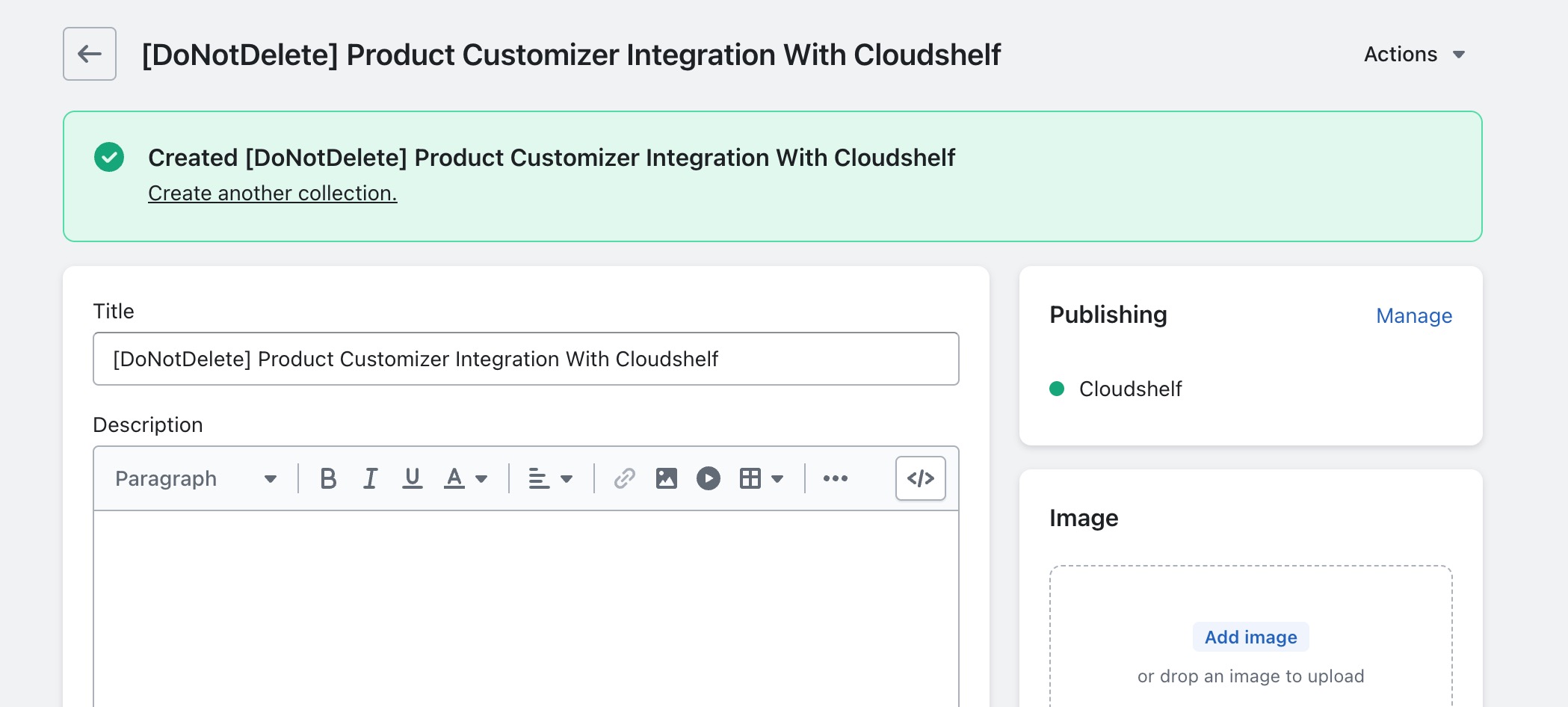
Go to your collections and create a new collection. You can call it anything you want: it will never be seen or used other than to give Cloudshelf access to the Product Customizer price modifier product. Make sure the collection type is Manual, and that you only publish to the Cloudshelf sales channel (no other channels, including your Online Store). Press save, and you should see something like this:
Scroll down to the products section and add the Product Customizer price modifier product (again, search for “product-customizer-item-customizations” if you can’t find it), then press Add.
Cloudshelf will now have access to this product, and price modifications will work on your Cloudshelf devices.
Note: Cloudshelf needs to sync the product and collection, which may take up to 10 minutes.