

If you're using Cloudshelf in your store, keep the prices on your website up to date so your Cloudshelf shows the correct pricing.
Also keep your product information (stock, images, size availability etc) up to date in your Shopify store. This makes your Cloudshelf much more effective and gives customers the right information when they browse and buy through Cloudshelf.
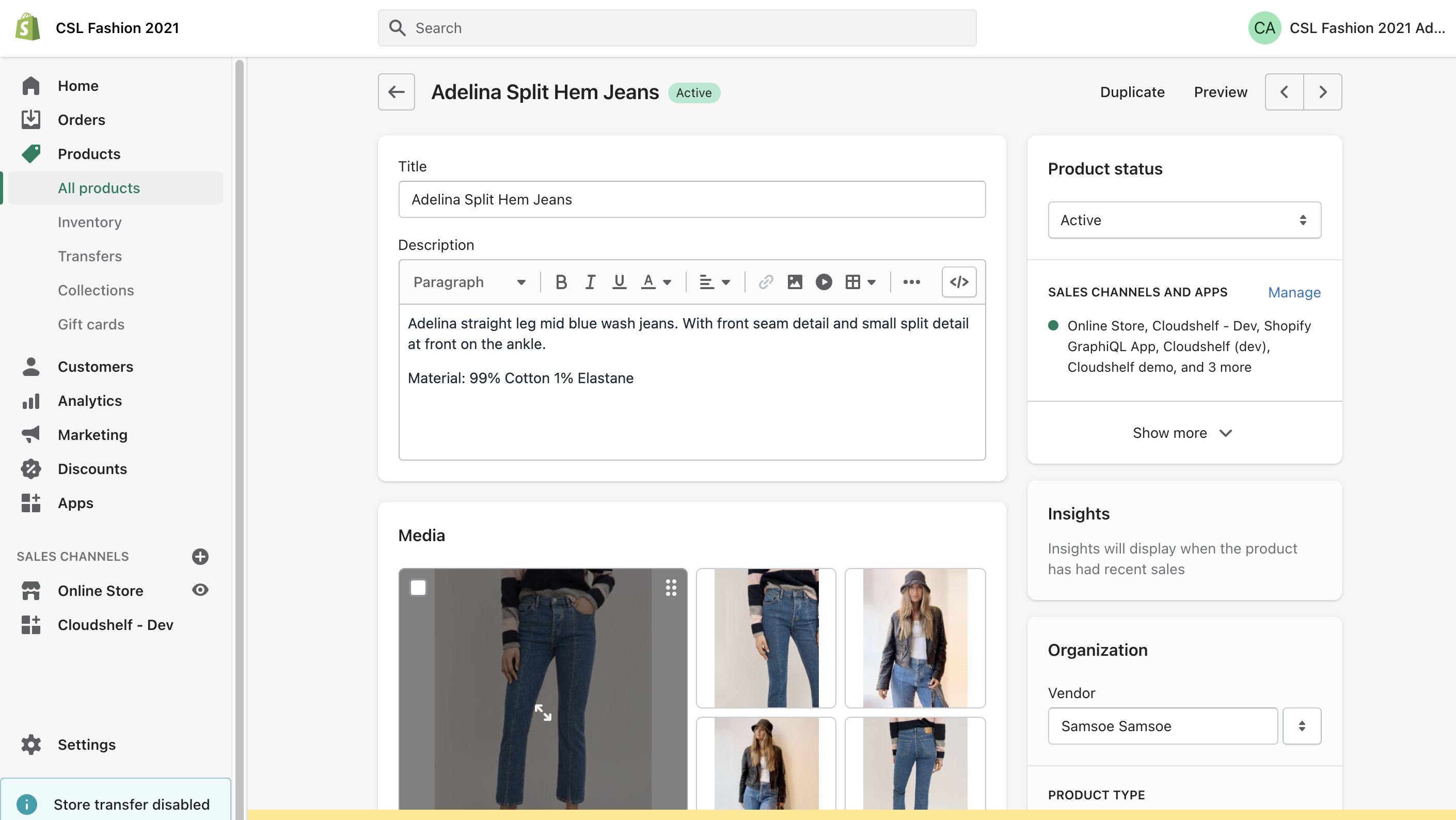
Log in to your Shopify store and select Products → All products. Here you can manage all of your products and change pricing, stock, sizing etc.
Anything you update in Shopify automatically shows on your Cloudshelf within a few minutes of making the change.