

Cloudshelf software is amazing, but to get the full benefit you need the right screens, that:
- are turned on (a bigger deal than you may think),
- are fast and bright enough,
- can connect to the internet, and very importantly
- are in the right position in your store, with the right presentation around them.
The good news is that there are many options to display your Cloudshelf, to match most budgets, though some need more work on your side than others.
Cloudshelf doesn't provide its own screens so that we can work with the best solution providers worldwide. Contact us and we can advise on local providers.
| Approach | Solution | Advantage | Disadvantage | Cost | Summary |
|---|---|---|---|---|---|
| Quick test | Use an iPad or Android tablet you already have | Up and running in minutes. Can get store staff and customer feedback. | Can be switched to other apps. Not monitored. If the device is under-powered it will deliver a poor experience. | Low | Acceptable for a quick test before roll-out if the device is powerful enough. |
| Full DIY (iOS) | Buy 13-inch iPads and stands | Easy to buy online. Can work for small deployments. Device processors are fantastic, so the experience is smooth. | You need to lock down the devices. They need much more human maintenance than remotely managed solutions (shoppers unplug them, staff don't turn them on...). | iPad Pro around £1,300 + stand around £100 | Though 13 inch is smaller than we recommend, it can look very good if store staff are rigorous about turning them on. |
| Full DIY (Android) | Buy consumer Android tablets and stands | Easy to buy online. Can be securely locked down. | Hard to find devices over 10 inches (very small in a store). Check the minimum processing power requirements, as some cheaper devices are too feeble. | Device around £500 + stand around £100 | If you are considering this, please contact us for advice. |
| Professional screens, self-managed | Use devices from companies such as Elo Touch or Advantech | You can get 22-inch devices that look amazing (ideal size), and can be remotely monitored and rebooted. | You need someone in your team to monitor the devices. Slightly longer lead times than a consumer device. | Device around £1,300 + stand around £200 | Good solution for small roll-outs, especially if you have your own store fit-out team. |
| Outsourced device management | Use a retail design company such as Trison, IDS or HMY | Specialists can advise on screen location and how to integrate into store design. Devices can be managed remotely. | Longer lead times. Initially more expensive. | As above, plus project management and a monthly contract. | Best solution with high ROI for roll-outs at scale. |
Examples
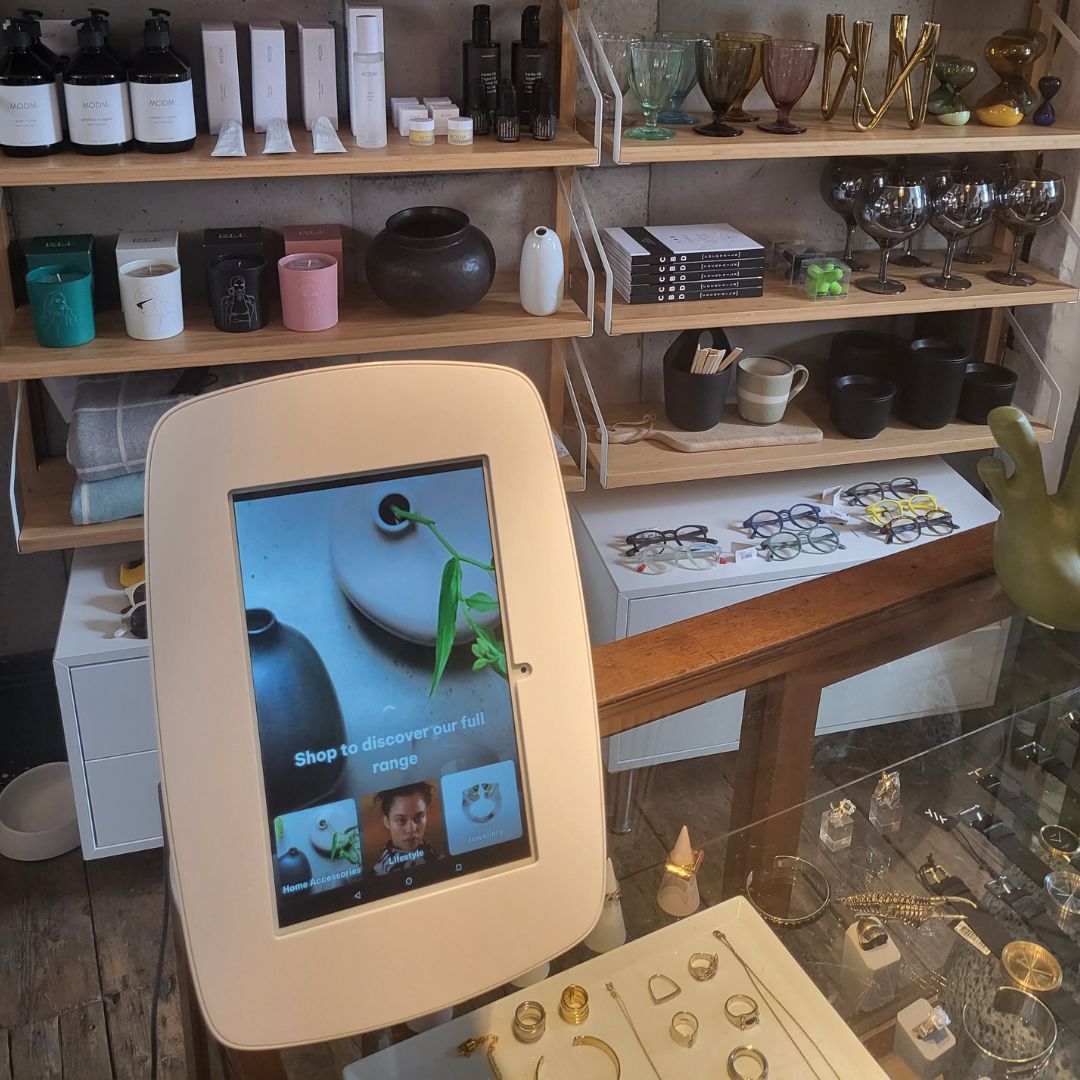
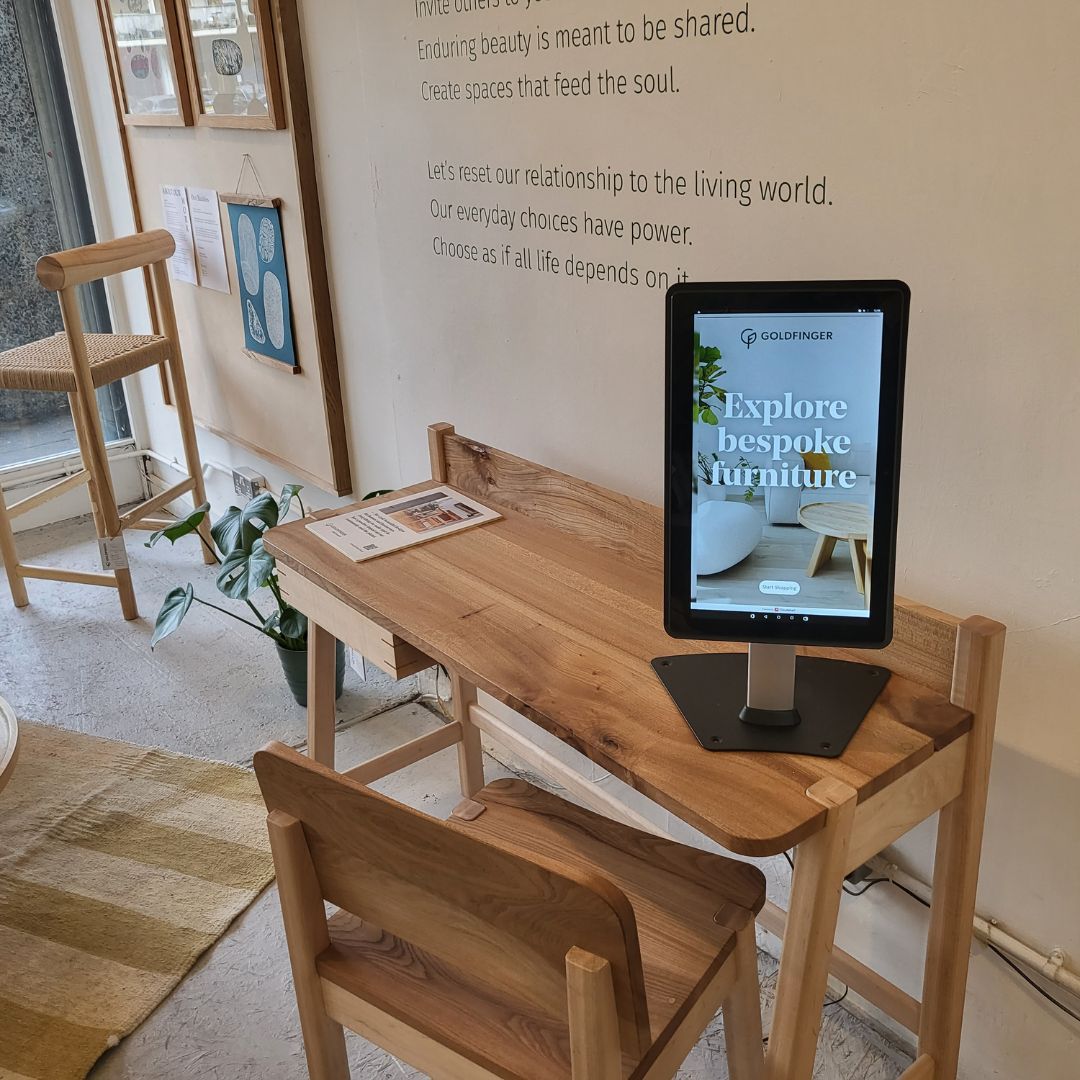
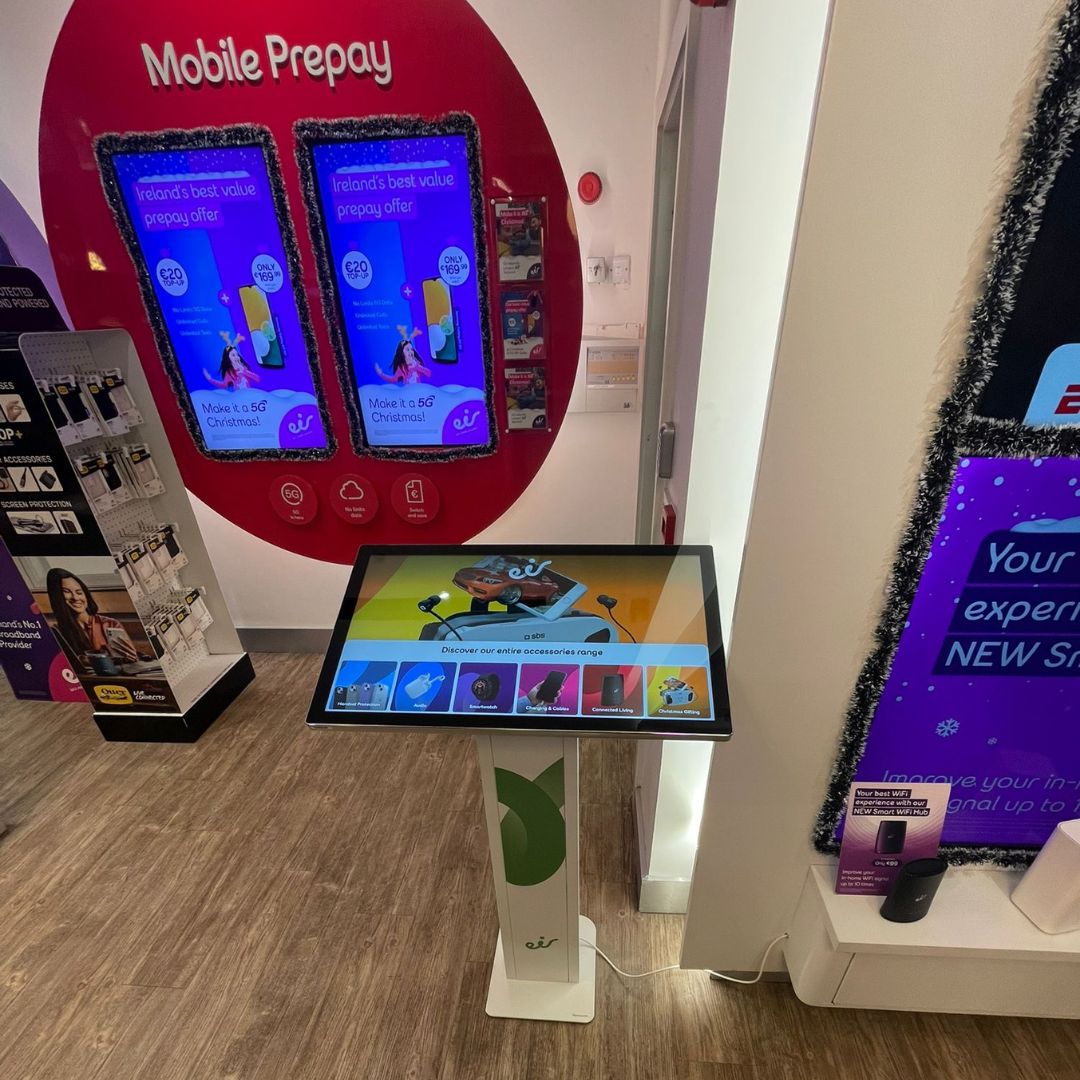
For minimum and ideal screen specifications, see Recommended device specifications.
Download our retailer guide on screens (PDF)
Our support team is happy to recommend the best way forward for you: support@cloudshelf.ai.