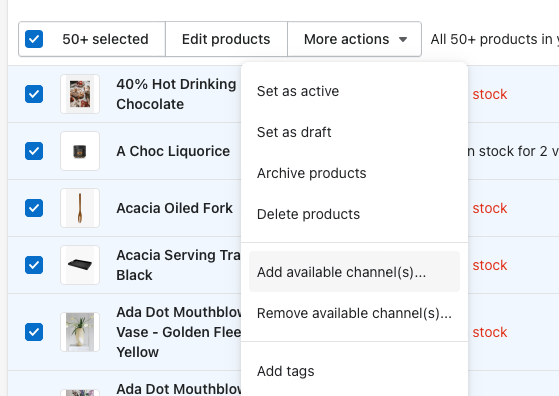
For Shopify users: by default, new products and collections are made available to a new sales channel such as Cloudshelf. If you see products that are not appearing, it is usually for one of two reasons.
Reason 1: they are not included in any collection
Cloudshelf sources products that are part of any collection, but ignores products that are not in a collection.
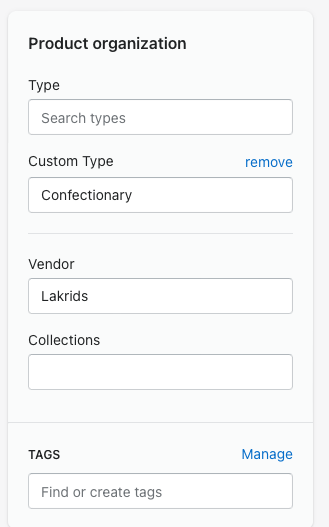
The fix is either to create a new collection or to include the products in an existing collection.
Reason 2: they are not available to Cloudshelf
They are in a collection, but either the collection or the individual products have been made unavailable to the Cloudshelf sales channel.
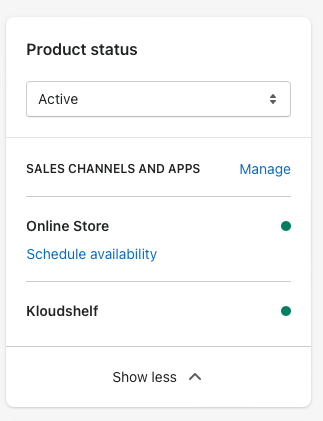
The fix is to click 'Manage' and select the Cloudshelf channel.
Tip: if many products are unavailable, use the Shopify product list page, use "select availability" to select all those not available to the Cloudshelf channel, and bulk-edit them.