

Cloudshelf automatically tracks all sales back to the originating store, and even lets you reward a sales assistant for a sale.
Register your sales team

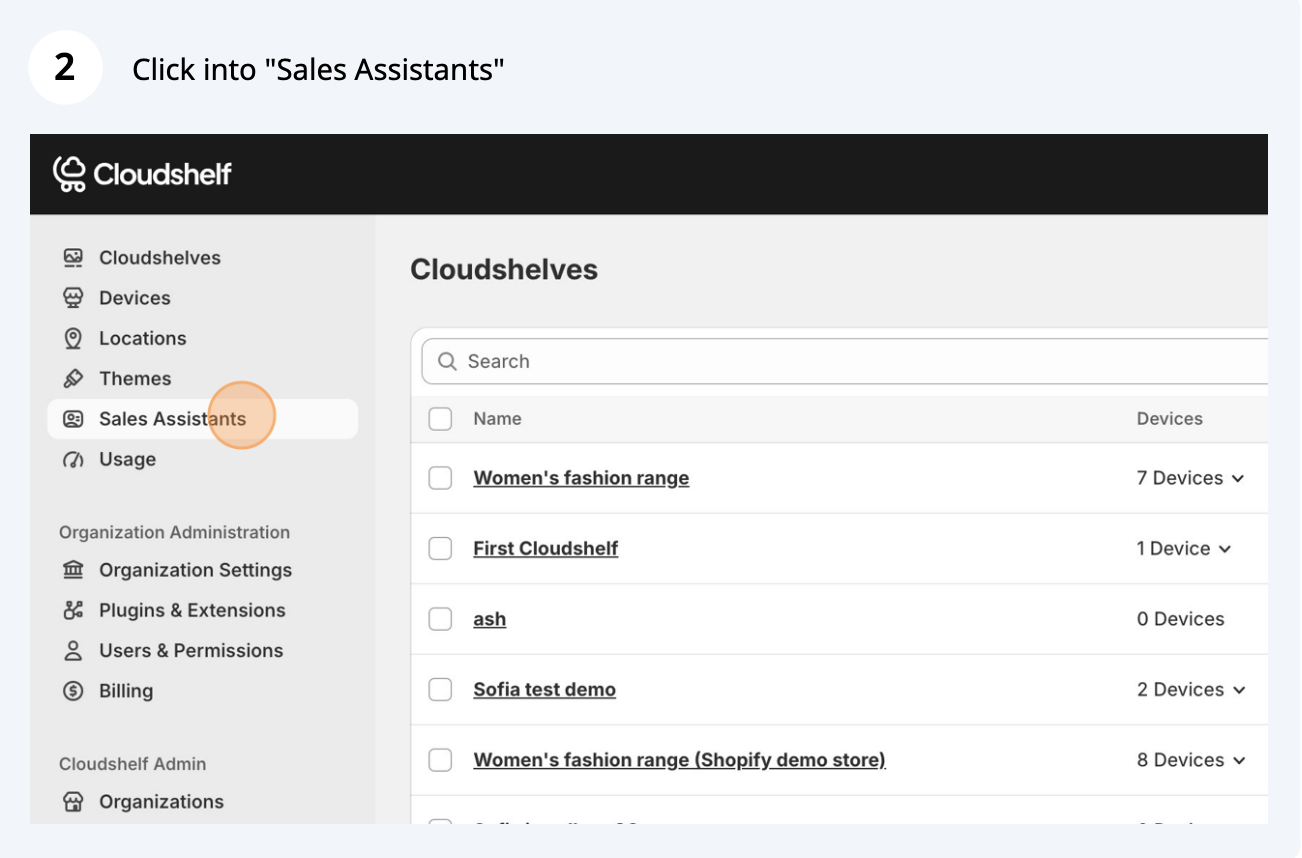
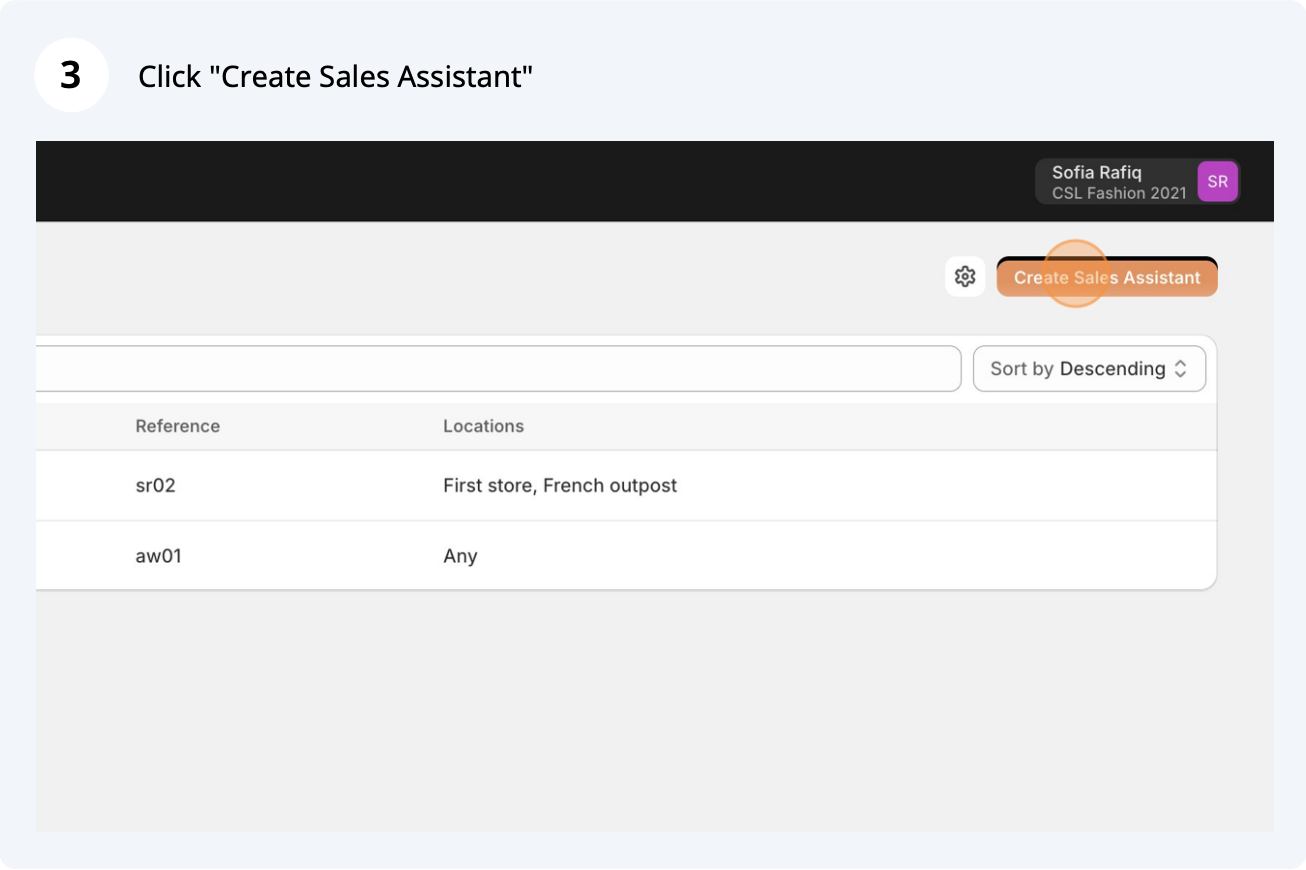
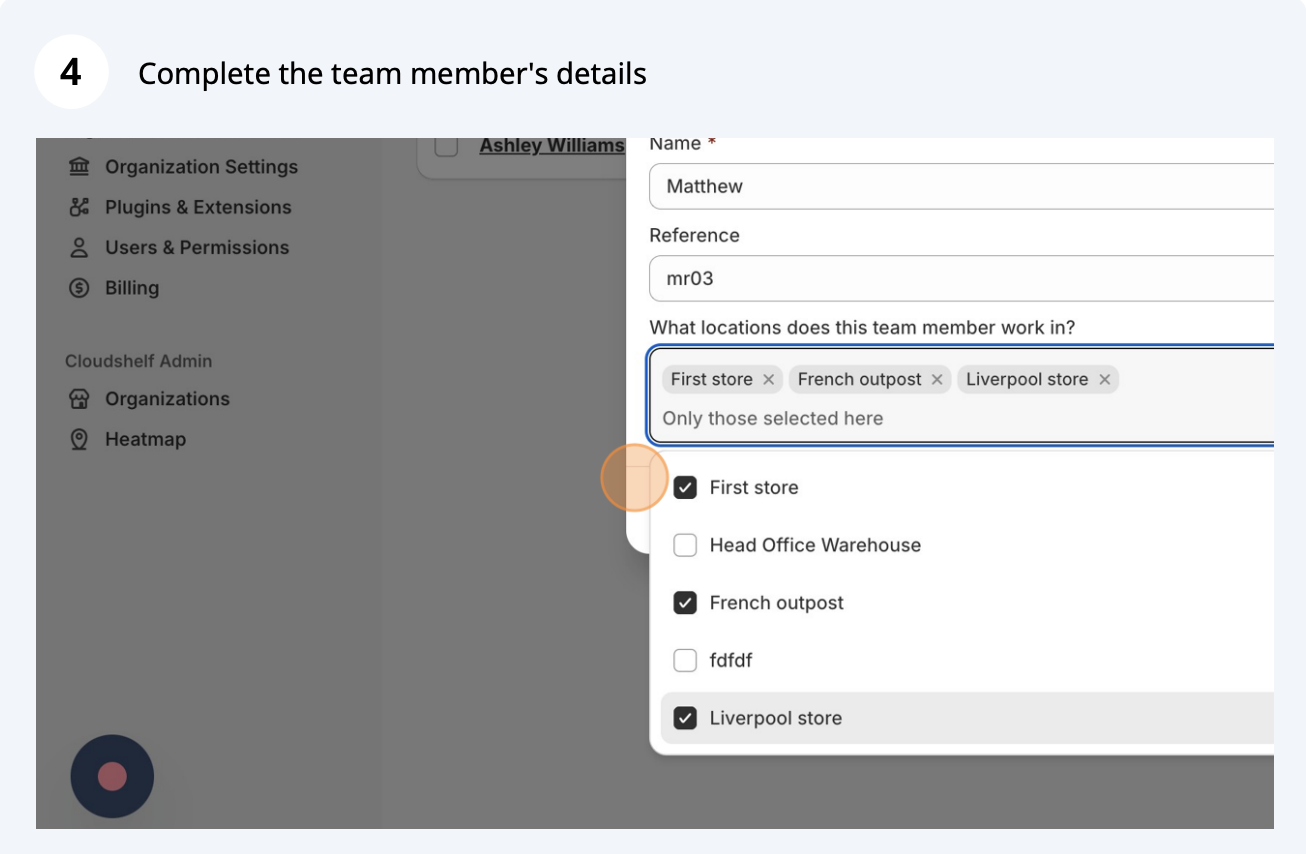
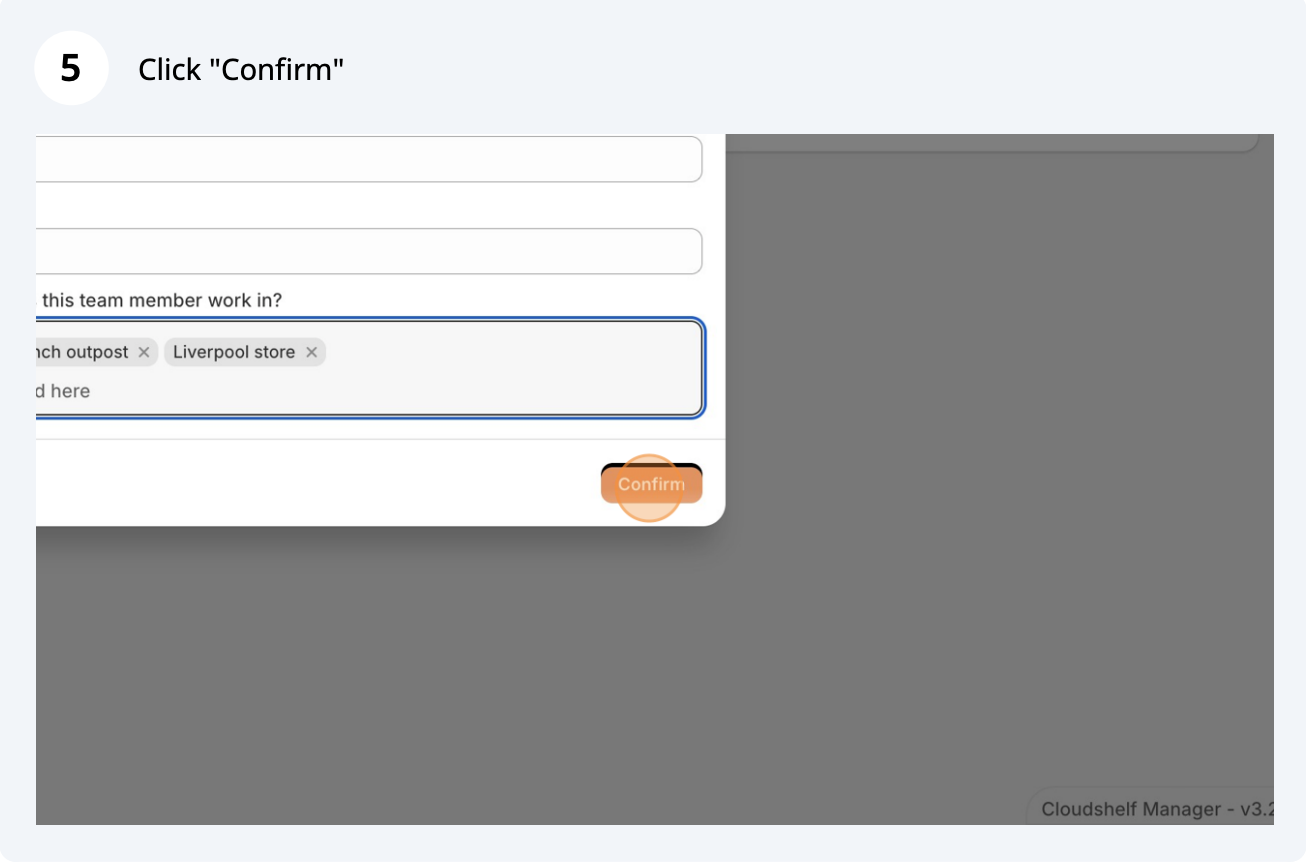
During a sale
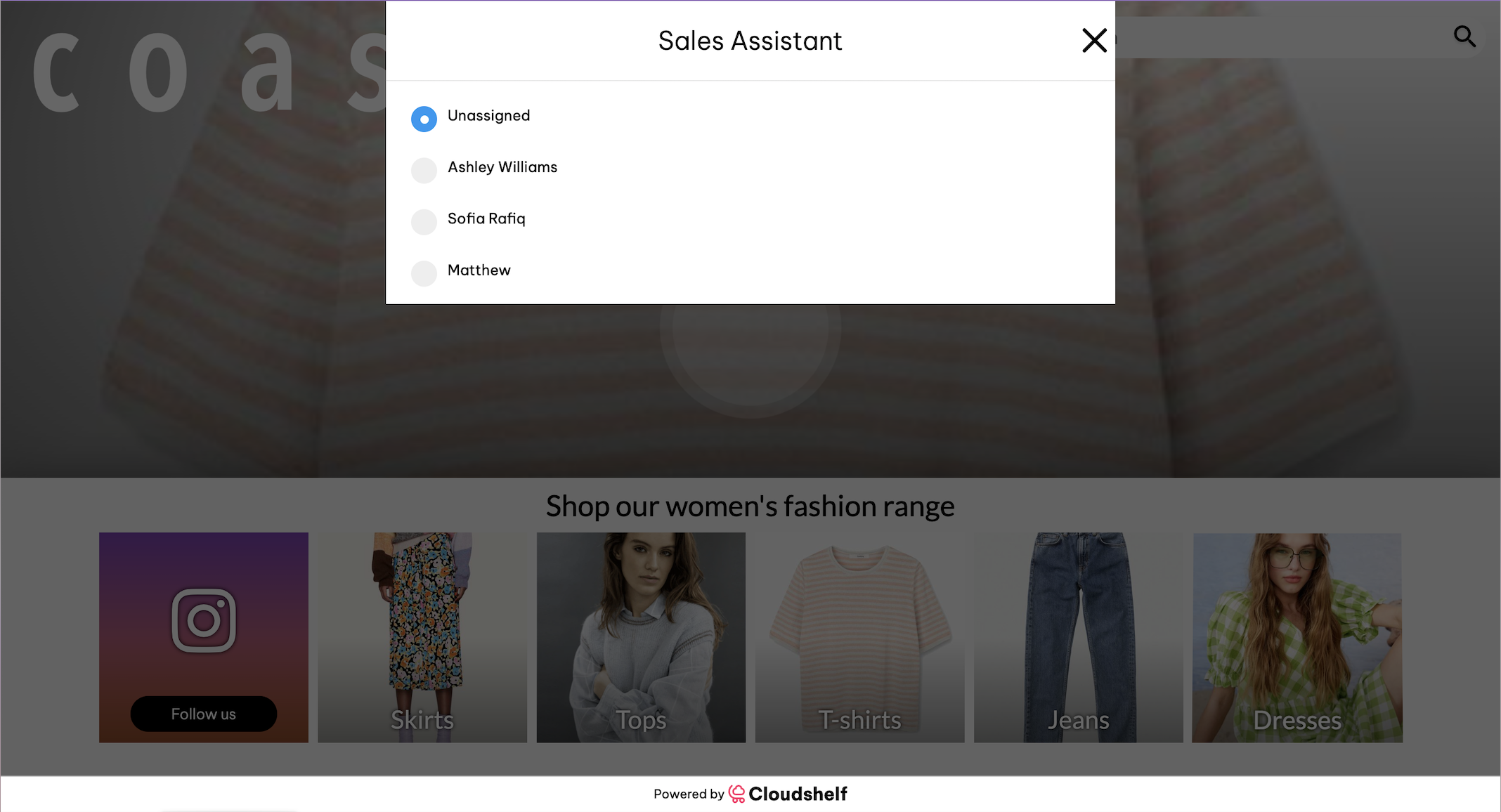
Sales assistants check in when they are helping on a Cloudshelf:
- Swipe down anywhere on the screen 3 times rapidly for the team selection pop-up to appear.
- Select your name or reference.
- Click the (x) to close the window.
If a sales assistant is selected, their first name appears on the checkout page with a message such as "Today you were helped by John".
If sales assistants don't see their name, they can do the 3-swipe gesture anywhere on the screen and select themselves.
Tracking a completed sale in Shopify
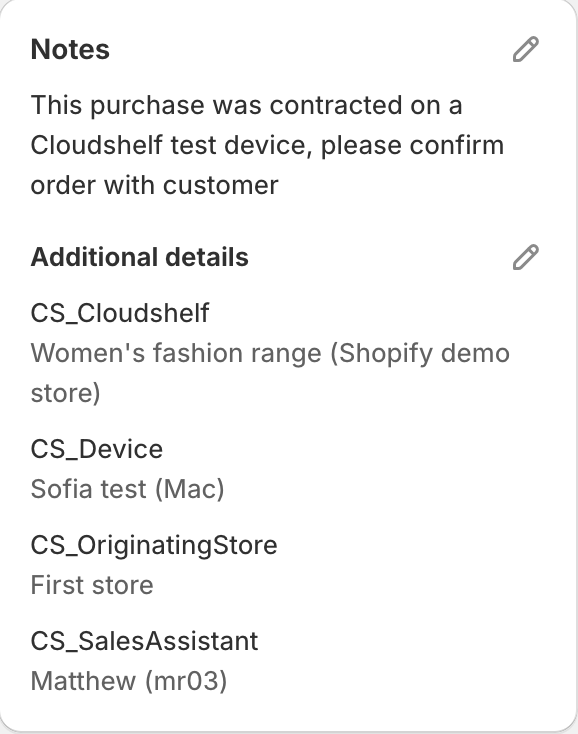
After a sale is complete, the Shopify order shows these references:
- CS_Cloudshelf: the Cloudshelf experience the order was placed from
- CS_Device: the device name (you can configure this in the Devices section)
- CS_OriginatingStore: the store where the sale was made
- CS_SalesAssistant: the employee's full name and employee reference (if available)
Example in a Shopify order:
Tracking a completed sale via the API
To integrate this into an ERP, recover the data with a GraphQL query:
{
  orders(first: 10) {
    edges {
      node {
        id
        updatedAt
        lineItems(first: 10) { nodes { id title } }
        customAttributes { key value }
      }
    }
  }
}
The keys are CS_Cloudshelf, CS_Device, CS_OriginatingStore and CS_SalesAssistant.
To get a single order's data, query it by ID:
{
  order(id: "gid://shopify/Order/...") {
    id
    customAttributes { key value }
  }
}